OMSI 2: Steam Edition
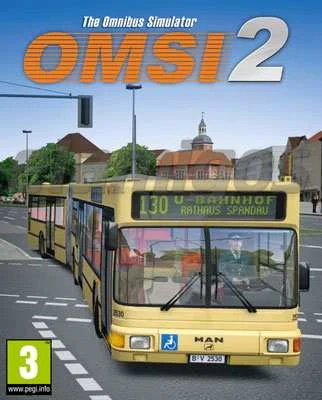
- Category:
- Release date:
- Game Genre:Simulation, vehicles, transport, buses and streetcars
- Developer:MR Software Publisher: Aerosoft
- Release:ElAmigos
- Platform:PC
- Languages (subtitles):English, French, German, Hungarian, Polish + unofficial: Italian, Spanish, Russian
- Dubbing/Audio:German
- Crack:Steam006/FTS
- Game size:8.90GB
Game Description
OMSI 2: Steam Edition is a first-person PC bus simulation focused on realistic route operation, detailed vehicle controls, passenger service, and timetable accuracy. The current Steam storefront still uses this exact name; there is no verified rebrand or replacement edition. Official publisher material also commonly shortens the title to OMSI 2, the sequel to OMSI - The Bus Simulator.
What Driving OMSI 2 Actually Involves
OMSI 2 is built around the working routine of a bus driver rather than a broad management sandbox. You select a map, choose a vehicle, set the date and time, prepare the cockpit, activate the route equipment, and follow a scheduled service through traffic.
Once passengers are aboard, the simulation tracks more than simply reaching the next stop. You must position the bus correctly, open the appropriate doors, respond to stop requests, sell tickets when required, and keep the ride comfortable. Punctuality, smooth braking, and accurate stopping matter because passenger comfort is part of the driving challenge.
The default Berlin-Spandau setting gives the game a recognizable historical identity. Its routes are designed around urban bus work, with residential streets, major roads, bus stops, traffic, pedestrians, and AI vehicles creating the operational pressure of a scheduled service.
Routes, Buses, and the Chronology System
The central map is not an endlessly connected open world. OMSI uses separate maps, and changing cities means ending the current simulation before loading another environment. That structure suits players who prefer focused route sessions over continuous free-roaming travel.
The standout system is chronology. Maps can change according to the selected period, allowing scenery, construction, bus availability, traffic arrangements, and transport details to reflect different points in the setting's history. In the Berlin-Spandau map, the chronology framework covers the transition from 1986 through 1994.
The included vehicle lineup features the classic MAN SD200 and SD202 double-deckers, the single-deck MAN NL202, and the articulated MAN NG272. The articulated bus adds joint kinematics and bending protection, so turning, reversing, and positioning require more care than they do in a conventional rigid bus.
Vehicle operation is intentionally hands-on. Dashboards contain working switches, displays, lights, doors, electrical controls, and route equipment. Players looking for a more demanding transport simulation may also appreciate methodical road simulations such as Euro Truck Simulator 2, although OMSI 2 places much more emphasis on stop-by-stop public transport duties.
Timetables, Passengers, and Driving Modes
OMSI 2 supports both timetable-based operation and less structured driving. Without a timetable, navigation is more general and the player can explore the loaded map with fewer scheduling obligations. Selecting a timetable activates the specific route, destination, stop sequence, and timing expectations for that trip.
The timetable loop is where the simulator becomes most demanding. You need to leave at the correct time, serve the required stops in order, and avoid unnecessary delays without driving aggressively. The result is a mastery loop based on repeating routes, learning road layouts, refining braking points, and improving service consistency.
Passenger interaction gives each stop a practical purpose. Riders can request exits, ask for tickets, and react to an uncomfortable journey. The bus therefore becomes a working vehicle rather than a camera moving through scenery, and small operational mistakes can disrupt the rest of the route.
There is no campaign built around missions, character stories, or conventional unlock trees. Progress comes from learning the maps, understanding each bus, completing schedules, and expanding the experience through additional maps, buses, and community-created content.
Editor, Mods, and the Add-On Ecosystem
The base game includes a route editor and an open architecture intended to support custom content. Players can create or modify maps, adjust routes, work with scenery, and build new simulation experiences around the same underlying systems.
This editor focus is one of OMSI 2's clearest differences from more guided bus games. The learning curve is higher, but the trade-off is a large community ecosystem of custom maps, vehicles, repaints, scripts, and configuration work. Compatibility and installation quality vary between add-ons, so the experience is best suited to PC players who are comfortable reading documentation and organizing files.
The Steam storefront currently presents a large catalog of paid add-ons covering additional cities, bus families, AI traffic, environment packs, and specialist tools. The base purchase should therefore be understood as the foundation of a broader platform rather than a complete survey of every bus and route available for OMSI 2.
Players who prefer a newer presentation and a more structured commercial bus catalogue can compare it with modern Berlin bus simulations such as The Bus. OMSI 2 remains the more open-ended choice for users who value custom routes and detailed vehicle operation over a contemporary presentation.
Who OMSI 2 Suits on PC
OMSI 2 is a strong fit for players who want technical bus handling, historically themed routes, working dashboards, and the responsibility of keeping a public transport service running on time.
- Bus enthusiasts who care about authentic cockpit procedures and vehicle behavior.
- Simulation players who enjoy repeating routes to improve timing and driving quality.
- Creative users who want a route editor and a large custom-content ecosystem.
- Players who prefer solo transport simulation over company management or action-oriented objectives.
It is a weaker match for anyone seeking native online co-op, a simple arcade control scheme, a seamless open world, or a heavily guided career. The interface and control layout can take time to learn, and the game expects players to consult its manual rather than explaining every bus system through a modern tutorial layer.
Its visual presentation is also secondary to simulation depth. OMSI 2 earns its appeal through vehicle systems, route behavior, sound, and flexibility, not through a modern graphics showcase.
PC Features, Controls, and Storefront Details
OMSI 2 is a Windows PC title distributed through Steam. The Steam version lists single-player, the built-in level editor, and Family Sharing. It requires agreement to a third-party EULA, and the storefront does not list a separate anti-cheat system.
Input support includes keyboard and mouse, game controllers, joysticks, and steering wheels. Official publisher information specifically highlights full controller support and steering wheel support, while the manual explains that supported devices must be configured inside the game's controller options before use.
Several camera modes are available, including driver, passenger, exterior, and free-view perspectives. The driver view is the main attraction because it keeps attention on the dashboard, mirrors, doors, route display, and road positioning, but passenger and exterior views are useful for inspecting vehicles and scenery.
The Steam listing provides interface localization in English, German, and French, with German also listed for full audio. Players should not assume that every manual page, add-on, announcement, or community tool is translated into the selected interface language.
Despite user-defined Steam tags that mention multiplayer, the base game is presented as a single-player simulator. It does not advertise a native online co-op mode, split-screen mode, or conventional multiplayer career.
Comparable Bus and Transport Simulations
OMSI 2 occupies the technical end of the bus-simulation spectrum. Its closest comparisons are games that also make route timing, traffic awareness, passenger stops, or transport operations central to the experience.
Bus Simulator 27 offers a broader cooperative bus sandbox with company development, route planning, open-region exploration, and online play. It is the better direction for players who want modern accessibility and shared sessions, while OMSI 2 is more focused on the act of operating a bus in detail.
For long-distance freight rather than scheduled passenger routes, Euro Truck Simulator 2 provides a calmer delivery and company-building loop. The two games share an interest in road discipline and vehicle control, but OMSI 2 replaces cargo logistics with stop management, passenger service, and timetable precision.
The comparison is useful because OMSI 2 is not trying to be a general driving game. Its appeal comes from narrowing the task: prepare the bus, read the route, serve passengers, manage the timetable, and repeat the run until the process feels natural.
OMSI 2: Steam Edition FAQ
Is OMSI 2: Steam Edition a renamed version of another game?
No verified rebrand is shown on the current Steam storefront. The listed title remains OMSI 2: Steam Edition, while OMSI 2 is the common shortened name and the game is presented as the successor to OMSI - The Bus Simulator.
What is included in the base game?
The base game includes the Berlin-Spandau simulation, multiple MAN buses, timetable-driven routes, the chronology system, passenger operations, weather and time-of-day options, and the route editor. Additional maps, buses, tools, and traffic content are sold separately as add-ons.
Does OMSI 2 have multiplayer or co-op?
The base Steam product is listed as single-player. It does not advertise native online co-op or split-screen multiplayer, so the core experience should be treated as a solo bus-driving simulator.
Can I use a controller or steering wheel?
Yes. OMSI 2 supports game controllers and steering wheels, but the device must be activated and configured in the in-game controller settings. Keyboard and mouse controls are also available.
Is OMSI 2 moddable?
Yes. The game includes a route editor and an open architecture designed for custom maps, vehicles, scenery, scripts, and other user-created content. Mod installation is part of the PC experience, but individual add-ons can have their own documentation and compatibility requirements.
Does OMSI 2 have a campaign or career mode?
It does not use a conventional story campaign or unlock-based career. The main structure is a set of timetable and free-driving sessions where mastery comes from learning routes, operating buses correctly, and exploring official or custom maps.
System Requirements
Minimum: |
Processor: Core 2 Duo 2.8 GHz Graphics: 1 GB VRAM Memory: 4 GB RAM Disk space: 9 GB HDD Operating system: Windows XP(SP3)/Vista/7/8 |
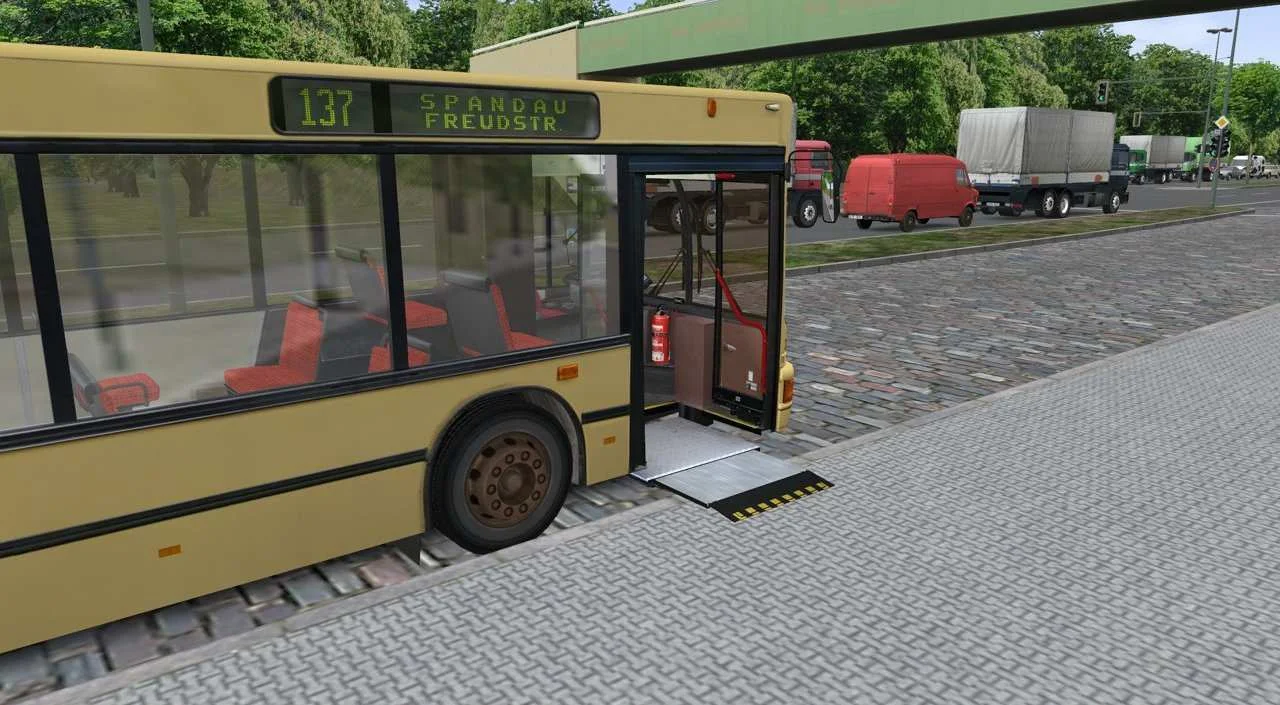
Screenshots
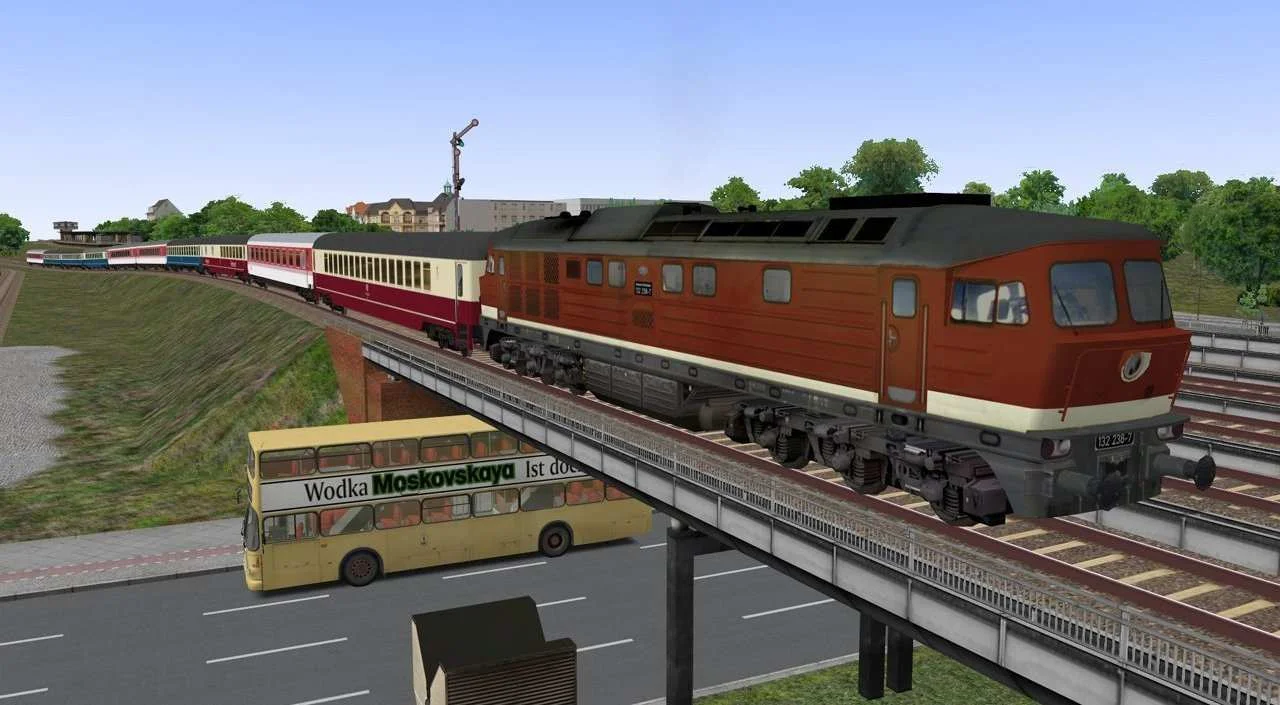
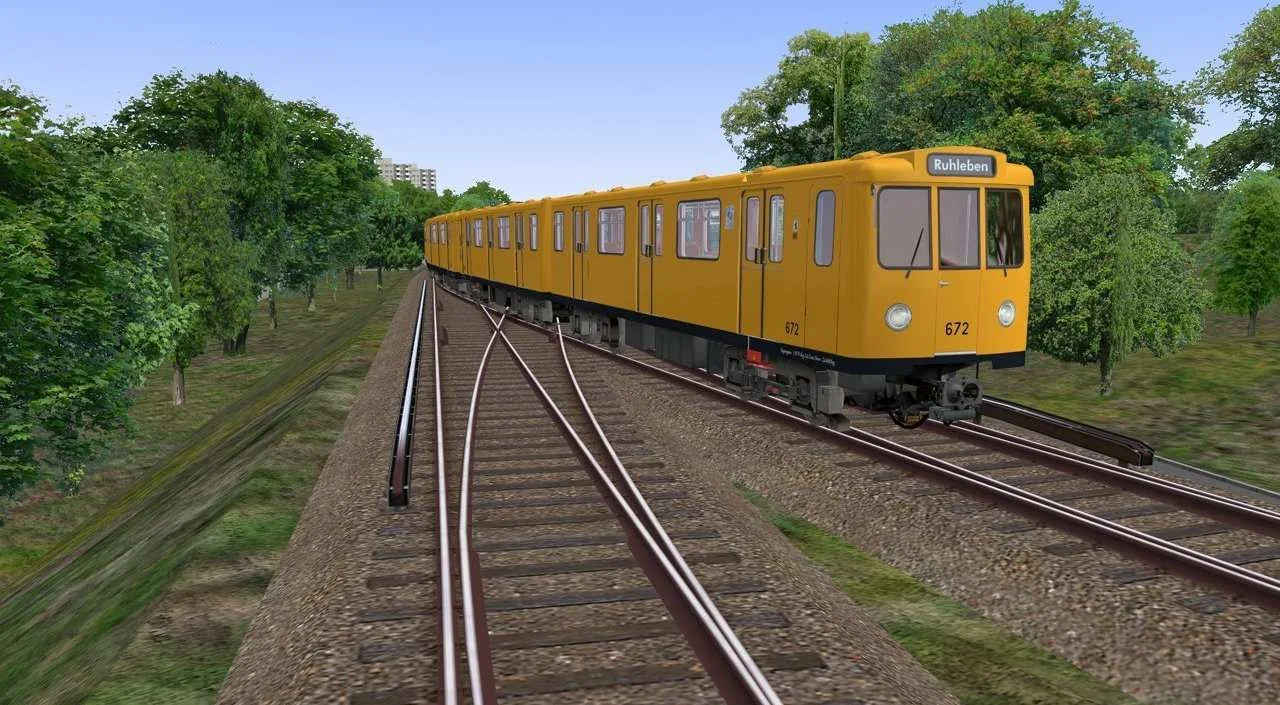
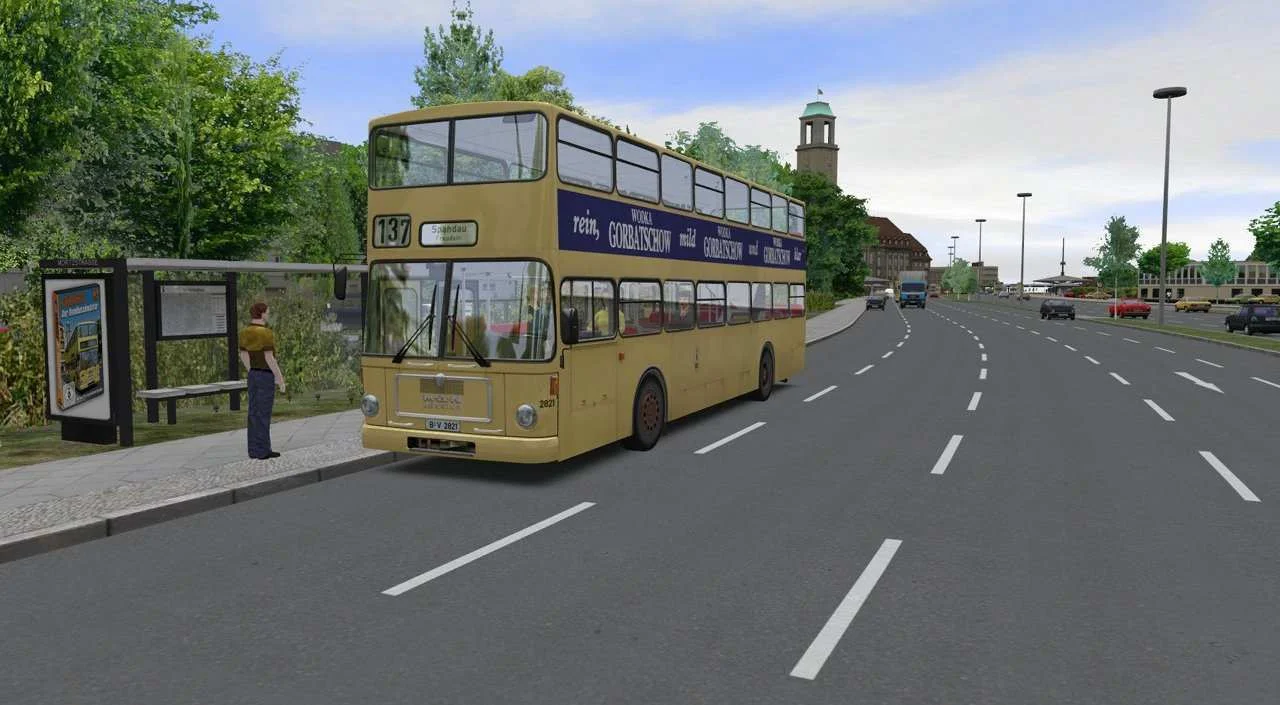
Trailer/Gameplay
[media=https://www.youtube.com/watch?v=V75lXulyNNc]
Download
OMSI 2: Steam Edition (2013), 8.90GB
ElAmigos release, game is already cracked after installation (crack by Steam006/FTS).

Updated to version 2.3.004 (15.03.2018); 28 DLC included.

+ General Fix, 68MB
This may fix some of the startup errors and other problems related with this game.

Installation time with 4 cores CPU - 3 minutes SSD / 11 minutes normal HDD.

1. Extract files.
2. Burn or mount the image.
3. Install the game.
4. ElAmigos release, game is already cracked after installation.
5. Play the game. If you like this game, BUY IT!
OMSI 2: Steam Edition Download
🔒 Premium access required
To see and use the download links, you must be logged in and have an active PREMIUM account.
* Unlock downloads via Torrent and TeraBox.
DLC: Aachen, Berlin X10, Bremen-Nord, Chicago Downtown, City Bus O305 + i280 + O305G + O405, Doppelgelenkbus AGG 300, Downloadpacks Vol. 1 + 2 + 3 + 5, Express 91.06, HafenCity Modern, Hamburg, Luzern, Mallorca, MAN Citybus Series, Metropole Ruhrgebiet, Project Gladbeck, Rheinhausen, Strassenbahn NF6D, Three Generations, VanHool Generation Reihe, Vienna, Vienna 1 & 2.
Torrent Download
The best torrent download speeds are with qBittorrent!