Station to Station
Edit date: 8-06-2024, 15:19
Reason: Updated to version 1.4.2 (07.06.2024)
- Category:
- Release date:
- Game Genre:Puzzle, trains, indie games
- Developer:Galaxy Grove
- Release:ElAmigos
- Platform:PC
- Languages (subtitles):English, French, Italian, German, Spanish, Spanish (Mexico), Polish, Czech, Russian, Dutch, Portuguese-Brazil, Turkish, Arabic, Ukrainian, Vietnamese, Hindi, Malay, Thai, Japanese, Korean, Chinese Simplified, Chinese Traditional
- Crack:Codex/Rune, FLT
- Game size:1.29GB
Game Description
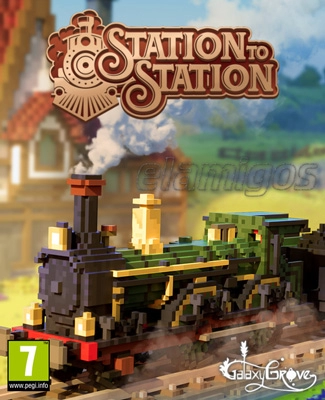
Station to Station PC is a relaxing railway-building puzzle game from Galaxy Grove, published by Prismatika. The current Steam listing still uses the original name, with no verified rebrand or replacement edition found across the checked storefront and publisher listings. Its focus is straightforward: place stations, connect resources, and turn quiet voxel landscapes into functioning transport networks.
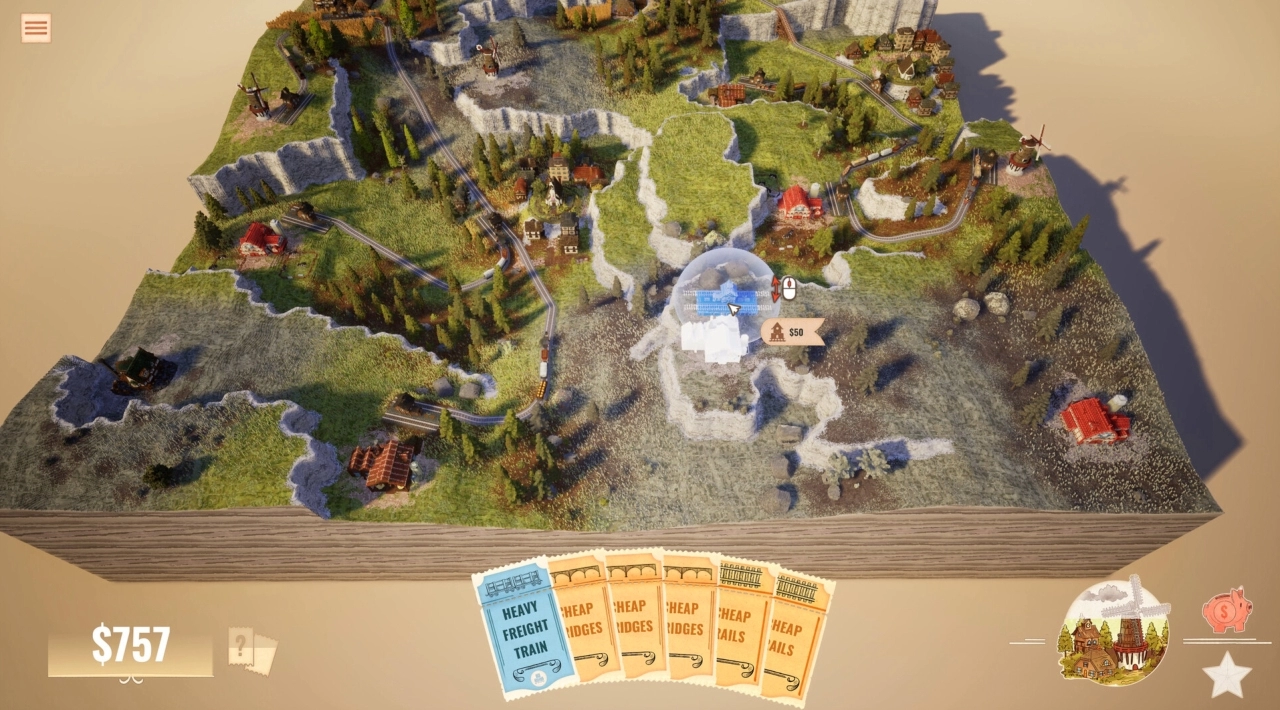
This is not a traditional train simulator or a large-scale railroad tycoon. It is a single-player strategy game built around route planning, economic decisions, and carefully solving compact map objectives from a zoomed-out overhead view.
Build the network, then bring the map to life
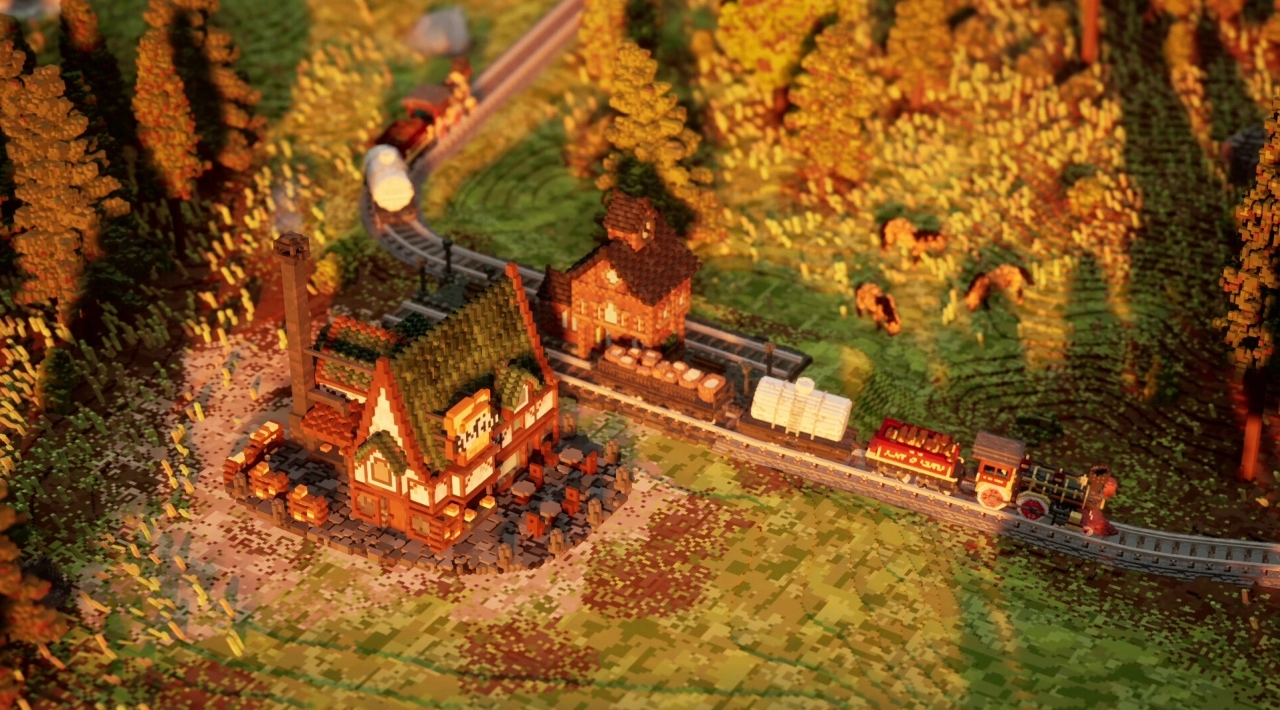
Each level begins with a small group of rural structures, available resources, and a limited budget. You place stations beside points of interest, draw rails between them, and create a network that allows materials to move through the landscape. Connecting the right buildings unlocks new production chains and supports further expansion.
The central challenge is route optimization. A direct rail line may be affordable, but a slightly longer connection can create better access to several industries at once. Bridges, terrain, station placement, and the order in which you activate buildings all affect how efficiently a map develops.
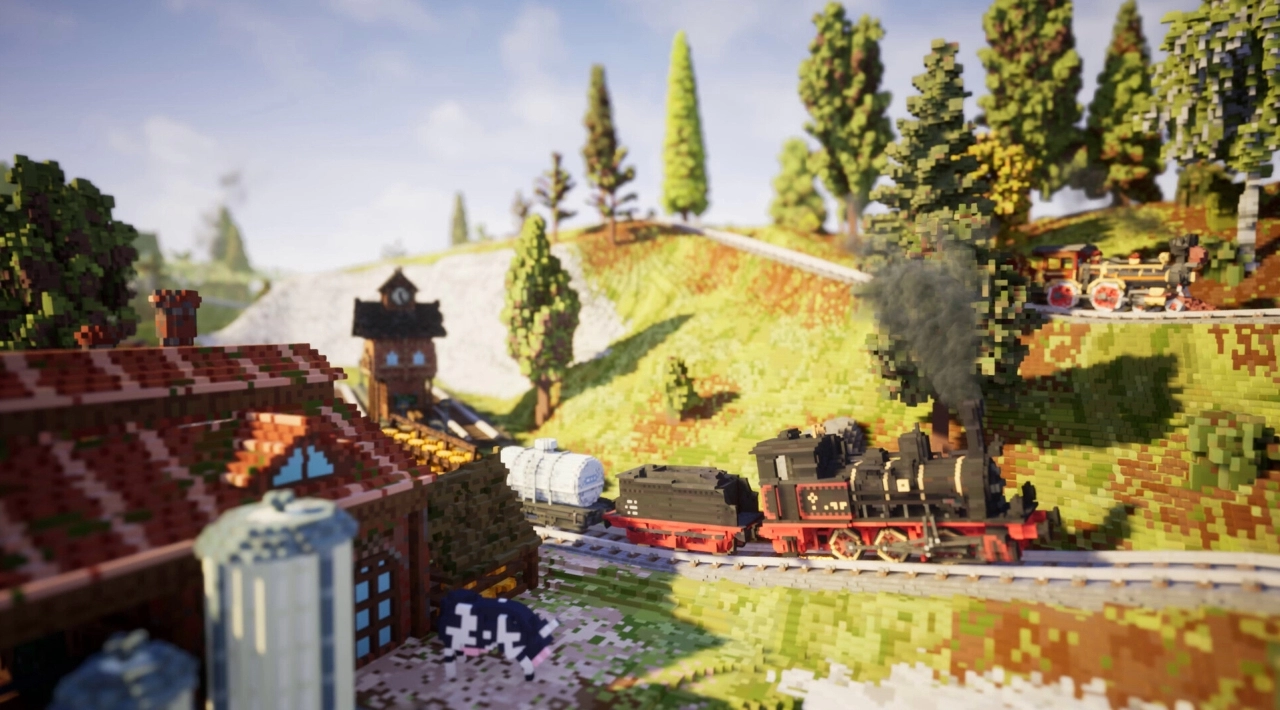
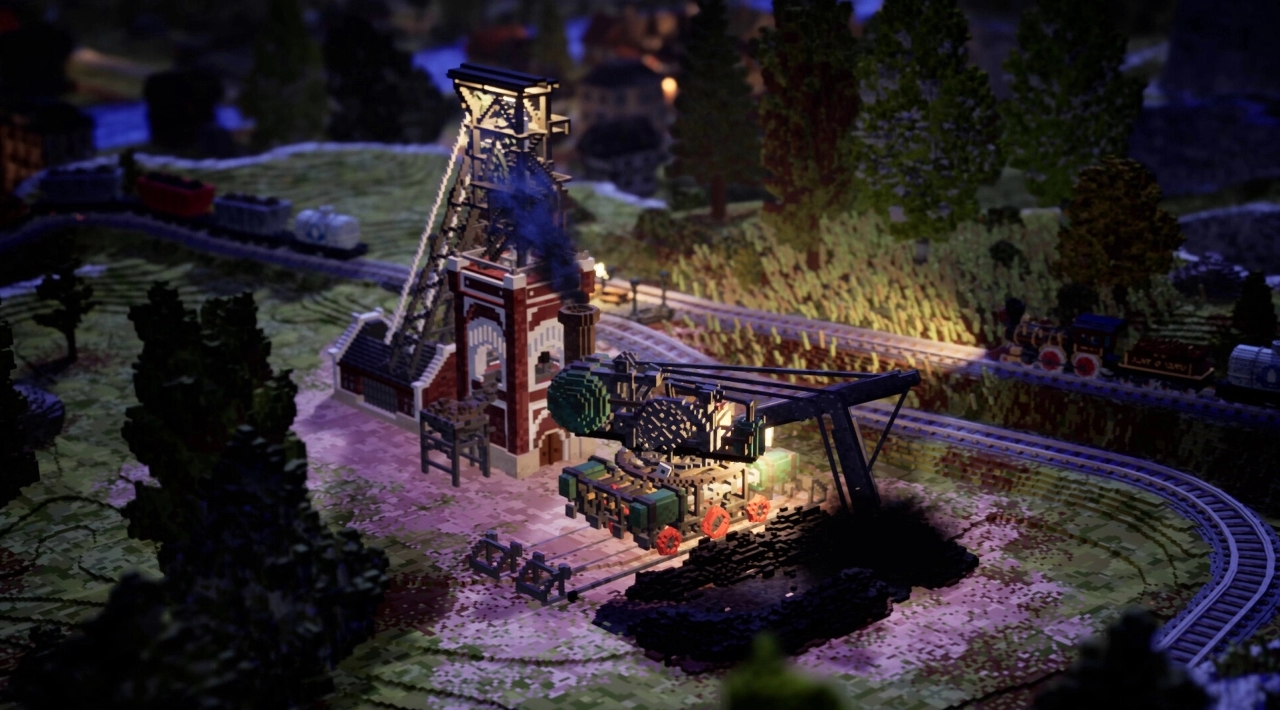
Successful connections do more than complete an objective. They gradually restore color and activity to the environment, filling previously quiet terrain with vegetation, animals, structures, and moving trains. The visual transformation is tied directly to progress, giving the game a clear cause-and-effect loop without turning it into a conventional city-management sandbox.
Strategy cards and biome-specific rules
Station to Station adds depth through ability cards that modify construction and resource decisions. Cards can reduce costs, improve the value of an action, or help you overcome a difficult map constraint. They are not a separate deckbuilding campaign; they are tactical tools that shape how you solve each level.
Every region introduces its own combination of terrain, industries, challenges, and biome mechanics. The result is a gradual increase in complexity rather than a sudden jump into a full logistics simulation. You learn the basic connection rules first, then adapt them as new production buildings and map conditions appear.
Optional objectives create a second layer for players who want more than a simple completion run. These challenges can ask for specific construction patterns, route lengths, resource targets, or other constraints. Stack bonuses and high-score goals reward efficient planning, while the standard objectives remain approachable for players who prefer a calmer pace.
Campaign content and custom construction
The structured levels provide the clearest introduction to the game’s systems. They are designed around individual logistical problems, with new regions adding fresh industries, cards, visual themes, and rules. The progression is closer to a sequence of handcrafted puzzles than to an open-ended railroad empire.
Additional content has also been added through free updates, including the Japan-inspired Sunrise Island region, new industries, extra cards, and whimsical Dreamland levels. These updates expand the existing framework rather than replacing the core gameplay loop.
For players who want to design instead of simply solve, Creative Mode includes tools for shaping terrain, selecting biomes, placing foliage and props, and defining the starting conditions of a map. You can choose available cards and buildings, set starting money, establish challenge goals, and share custom creations with other players through the game’s community features.
The commercial model is a paid base game with optional digital extras rather than a free-to-play service. The Steam content listing identifies a Digital Artbook and Soundtrack as separate add-ons. The major gameplay additions, including the expanded regions and Creative Mode, are presented through the game’s update history rather than as a large catalog of paid expansion packs.
Who should play Station to Station?
This is a strong fit for PC players who enjoy thoughtful construction without constant failure pressure. The game lets you experiment with rail layouts, observe the world developing, and return to optional objectives when you want a more demanding puzzle.
- Good fit: players who like relaxing strategy, transport puzzles, voxel dioramas, and compact management systems.
- Good fit: players who prefer planning and spatial reasoning over reflex-heavy gameplay.
- Good fit: players who want both structured levels and a creative map editor.
- Less suitable: players looking for realistic signaling, detailed timetables, passenger simulation, or a deep economic railroad tycoon.
- Less suitable: players who need competitive multiplayer, online co-op, or a campaign driven by character stories.
The game’s appeal comes from controlled complexity. It gives you enough constraints to make every rail decision meaningful, but it avoids the severe penalties and sprawling management layers found in heavyweight transport simulations.
PC features, controls, and localization
The PC version is distributed through Steam and includes Steam Cloud, achievements, Family Sharing, and an integrated level editor. It is listed as a single-player game, with no verified co-op, split-screen, or competitive multiplayer mode.
Controller support is available, and the developers have issued controller-specific interface fixes and input improvements through updates. Mouse and keyboard remain a natural choice for drawing rails and selecting map objects, while a gamepad suits players who prefer a more relaxed sofa or handheld-style setup.
The storefront lists 22 supported languages, covering interface and subtitles, with English also listed for full audio. The game does not depend on spoken dialogue to explain a narrative, so localization is primarily important for menus, objectives, cards, and tooltips.
No verified anti-cheat system, separate launcher requirement, or mod framework was identified in the checked storefront information. The confirmed PC ecosystem centers on Steam features, the built-in editor, Creative Mode, community-created maps, and controller input.
Related PC games for railway and network puzzles
Players who want a more time-sensitive train logistics challenge can compare Station to Station with level-based railway strategy games such as Train Valley 2, which place more emphasis on deliveries, upgrades, and operational pressure.
If the appeal is the calm act of arranging a miniature world, tile-based landscape builders like Dorfromantik offer a similar low-stress puzzle rhythm, although they focus on terrain tiles rather than rail networks and supply chains.
For a related connection-management experience built around roads and traffic flow, minimalist network puzzles such as Mini Motorways provide a useful contrast: both games reward clean layouts, but Station to Station is slower, more scenic, and more explicitly structured around resource production.
Station to Station FAQ
Is Station to Station still the official PC name?
Yes. The current Steam listing remains Station to Station. No verified rebrand, renamed definitive edition, or storefront replacement was found in the checked sources.
Is Station to Station a train simulator?
It is better described as a railway construction puzzle and relaxed strategy game. You design connections and manage resource movement, but you do not drive trains manually or operate a detailed real-world signaling system.
Does Station to Station have multiplayer or co-op?
No verified multiplayer, online co-op, or split-screen mode is listed. The confirmed format is single-player, with custom maps and community sharing providing additional variety.
Does the game include Creative Mode?
Yes. Creative Mode lets you sculpt terrain, select environmental elements, choose available cards and buildings, set starting money, define challenge goals, and share playable creations.
Is the base game free to play?
No. Station to Station is sold as a paid base game. The storefront separately lists the soundtrack and digital artbook, while substantial gameplay additions such as new regions and Creative Mode have been delivered through updates.
Does Station to Station support controllers?
Yes. Controller input is supported, and update notes specifically reference controller interface improvements. Mouse and keyboard are also supported and remain practical for precise rail construction.
What is the real gameplay structure?
The game is organized around individual levels, optional challenges, biome-specific mechanics, card choices, and score-oriented optimization. Its long-term loop is mastering layouts, improving efficiency, completing extra objectives, and creating or playing custom maps rather than finishing a conventional story campaign.
System Requirements
Minimum: | Recommended: |
| Processor: Quad-Core Graphics: GeForce 770M, AMD HD 5970 Memory: 8 GB RAM Disk space: 7 GB available space Operating system: Windows 10 | Processor: Quad-Core Graphics: GeForce RTX 2060 SUPER, AMD Radeon RX 5700 XT Memory: 8 GB RAM Disk space: 7 GB available space Operating system: Windows 10 |
Screenshots
Trailer/Gameplay
Download
Station to Station (2023), 1.29GB
ElAmigos release, game is already cracked after installation (crack by Codex/Rune or FLT).

Updated to version 1.4.2 (07.06.2024).

1. Extract files.
2. Burn or mount the image.
3. Install the game.
4. ElAmigos release, game is already cracked after installation.
5. Play the game. If you like this game, BUY IT!
Station to Station Download
🔒 Premium access required
To see and use the download links, you must be logged in and have an active PREMIUM account.
* Unlock downloads via Torrent and TeraBox.
Torrent Download
The best torrent download speeds are with qBittorrent!