Minecraft
Edit date: 26-05-2026, 14:12
Reason: Updated to version 1.19.1 (27.07.2022) or 1.12.2 (18.09.2017)
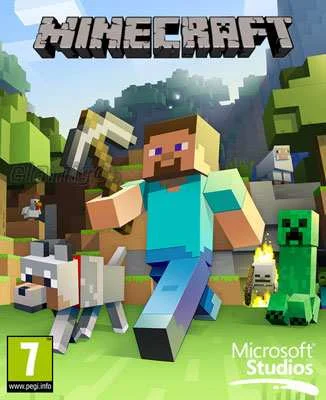
- Category:
- Release date:
- Game Genre:Adventure, FPP, TPP, fantasy, sandbox, RPG elements, survival, multiplayer, co-op, crafting, action adventure
- Developer:
- Release:ElAmigos
- Platform:PC
- Languages (subtitles):English, French, Italian, German, Spanish, Spanish (Mexico), Polish, Czech, Russian, Hungarian, Portuguese, Portuguese (Brazil), Afrikaans, Arabic, Bulgarian, Catalan, Chinese, Croatian, Danish, Dutch, Estonian, Finnish, Galician, Greek, Hebrew, Icelandic, Indonesian, Japanese, Korean, Lithuanian, Luxembourgish, Malaysian, Norwegian, Romanian, Serbian, Slovak, Slovenian, Swedish, Tatarish, Thai, Turkish, Ukrainian, Vietnamese (+70 total)
- Crack:not necessary
- Game size:1.07GB
Game Description
Minecraft PC is the block-based sandbox survival game currently sold on Windows as Minecraft: Java & Bedrock Edition. One PC purchase includes both editions, but they remain separate versions with different multiplayer networks, controller support, mod ecosystems, and technical behavior. That distinction matters more than the shared name, especially when deciding how to play with friends.
Developed by Mojang Studios and published through Xbox Game Studios, Minecraft has no fixed campaign route. Its appeal comes from combining exploration, resource gathering, construction, combat, automation, and player-made goals in procedurally generated worlds.
How Minecraft plays on PC
The familiar Survival loop starts with collecting wood, stone, food, and other materials before hostile creatures become a serious threat. You craft tools, improve equipment, establish a shelter, and gradually move from basic survival toward farms, enchantments, transportation networks, large construction projects, and dangerous expeditions.
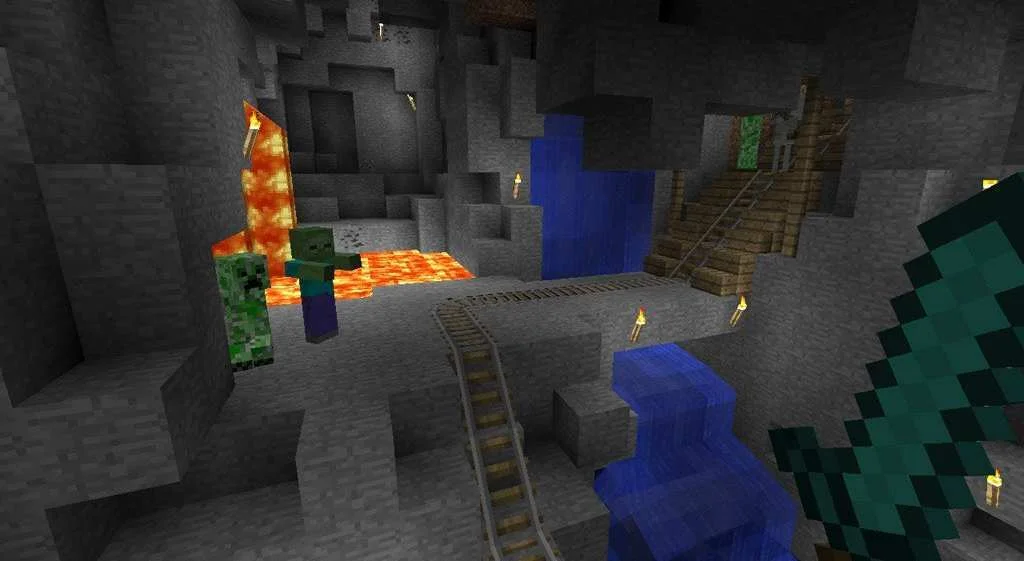
Exploration is as important as construction. The world contains varied biomes, underground structures, villages, oceans, and separate dimensions, while the day-and-night cycle changes how safely you can travel. Combat is straightforward at first, but stronger enemies, environmental hazards, equipment choices, and the need to protect valuable items give longer survival worlds a meaningful risk loop.
There is no required way to finish a world. Some players pursue the End and its major boss encounter, while others treat the game as a long-term building tool, technical simulation, role-playing framework, or cooperative social space.
Players who prefer a more focused survival-crafting structure may find the raft expansion loop in ocean survival sandboxes like Raft easier to follow, but Minecraft offers considerably more freedom in how its world develops.
Modes, perspective, and progression
Survival Mode combines health, hunger, resource management, crafting, combat, and experience levels. Difficulty settings affect enemy pressure and survival conditions, while death can create a tense decision about whether to recover dropped items or abandon a dangerous location.
Creative Mode removes most survival restrictions and provides access to the building toolkit without normal resource costs. Players can fly, build at high speed, test redstone mechanisms, design adventure maps, or use the mode as a construction editor.
Java Edition also includes Hardcore Mode, where a world is tied to a single life and a fatal mistake ends the run. Adventure and Spectator options are useful for custom maps, server activities, observation, and community-created experiences rather than ordinary progression.
Minecraft is primarily played from a first-person camera, with third-person viewpoints available when you want to inspect a character, screenshot a build, or navigate differently. Progression is player-directed: better tools and materials open new possibilities, but the game does not force a conventional skill-tree route.
Java Edition versus Bedrock Edition
On PC, the most important purchase detail is that the current product bundles Java Edition and Bedrock Edition. You select which game to launch from the unified Minecraft Launcher, but the two editions are not merged into one multiplayer environment.
Java Edition is the traditional PC version for Windows, macOS, and Linux. It is the stronger choice for players who prioritize extensive community modding, custom servers, data packs, technical experimentation, and the broadest PC-focused ecosystem.
Bedrock Edition, shown on Windows as Minecraft for Windows, is designed around shared play across compatible PC, console, and mobile versions. It supports native controller input and connects to Bedrock multiplayer, while its official content ecosystem centers on the Marketplace, resource packs, behavior packs, and add-ons.
Java and Bedrock players cannot normally join the same world or Realm. Before starting a multiplayer session, confirm which edition your friends use. This is one of the most common points of confusion for new PC buyers.
Players looking for a block-based survival game with creature taming and construction can also compare Minecraft with dinosaur-filled voxel survival games such as PixARK, although PixARK uses a more explicit RPG and creature-collection structure.
Building, redstone, and community content
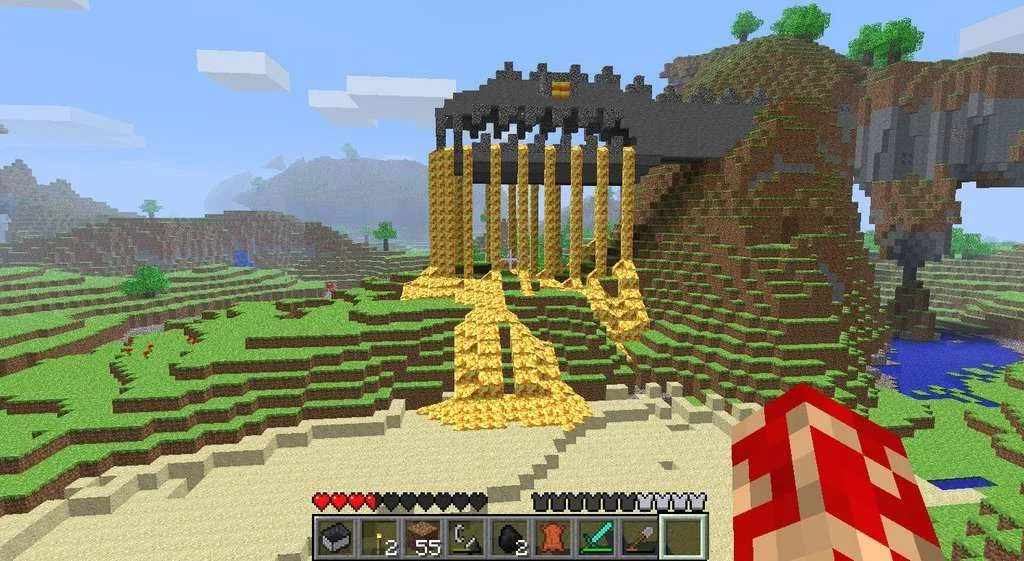
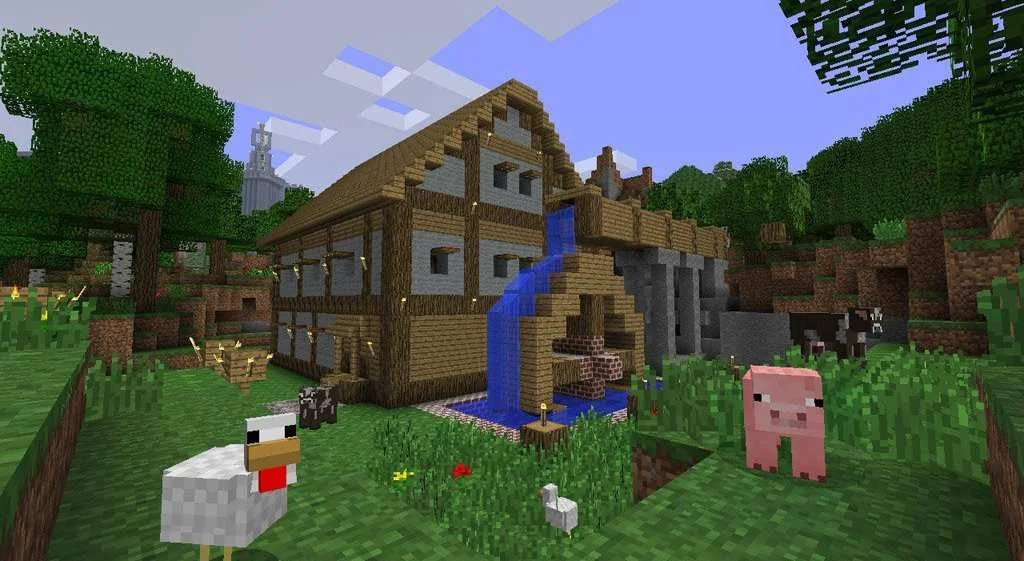
Minecraft building works because almost every block has a practical, decorative, or systemic purpose. A small shelter can become a fortified base, a village can become a transport hub, and a mountain can be reshaped into an enormous player-built landmark.
The redstone system adds a deeper engineering layer. Players can create doors, traps, farms, sorting systems, clocks, transportation devices, and complex automated factories. Redstone is optional, but it gives experienced builders a route into logic design and resource automation without changing the basic survival loop.
Java Edition supports a large range of independent mods, shaders, maps, servers, and data packs. Bedrock uses a more controlled ecosystem of Marketplace content and add-ons, including custom blocks, items, mobs, recipes, worlds, skins, and texture packs. Some Marketplace content is paid, while free community options also exist.
This creates two different types of customization. Java is more open-ended and community-driven, while Bedrock is easier to access from an integrated storefront and is better suited to players who want their content and multiplayer options managed inside the game.
Multiplayer, Realms, and server play
Minecraft supports solo worlds, local network play, community servers, and private hosted worlds. Java players can connect to custom Java servers, while Bedrock players can use compatible featured servers and cross-platform multiplayer with other Bedrock users.
Minecraft Realms provides an official cloud-hosted private server option. Java Realms supports Windows, macOS, and Linux players on the Java network. Bedrock Realms supports compatible Bedrock devices and is the practical choice for groups spread across Windows, consoles, and mobile.
Realms is a subscription service rather than a separate game edition. Invited friends do not need their own Realm subscription to join the host's world, but everyone still needs access to the relevant edition and account system.
PC online play uses a Microsoft account and the Minecraft Launcher ecosystem. Java and Bedrock accounts, worlds, servers, add-ons, and Marketplace purchases should be treated as edition-specific unless the game explicitly identifies them as shared.
PC controls, launcher, and localization
Both editions support traditional keyboard and mouse controls. Bedrock also provides native controller support, making it the more convenient PC option for players who want a console-style control scheme without relying on third-party tools or community modifications.
Java Edition remains the more flexible choice for players who want to adjust the game through mods, launch different versions, use snapshots, or connect to specialized PC communities. That flexibility also means that mod loaders, compatibility, and server versions require more player involvement.
The unified Minecraft Launcher handles access to Java Edition, Bedrock Edition, launcher updates, profiles, snapshots, and other Mojang Studios games. A Microsoft account is part of the current PC access flow, so Minecraft is not a completely standalone offline product in the way older PC editions were commonly used.
Language and accessibility settings are managed through the game and launcher ecosystem. Localization covers a broad international audience, while Java and Bedrock can differ in how community content, add-ons, resource packs, and interface elements are delivered.
Who should play Minecraft?
Minecraft is a strong fit for players who enjoy setting their own objectives. It rewards patience, experimentation, spatial planning, exploration, and the satisfaction of turning raw materials into useful systems or ambitious structures.
It is especially well suited to cooperative groups that want a persistent shared project rather than a short campaign. A world can support casual building, technical automation, challenge runs, role-play, competitive minigames, or long-running community events.
Players who need a tightly directed story, constant quest markers, or a clearly defined end-state may find the open structure unfocused. Survival also has a deliberately repetitive rhythm of gathering, crafting, expanding, and returning to familiar locations, even though the procedural world changes each time.
For a more narrative-led cooperative survival experience set in an unusual environment, small-scale backyard survival adventures like Grounded provide more structured objectives and story progression than Minecraft's self-directed sandbox.
Minecraft PC FAQ
What is the current Minecraft PC edition called?
The current Windows product is Minecraft: Java & Bedrock Edition. It includes Java Edition and Bedrock Edition in one PC purchase. Bedrock may also appear as Minecraft for Windows inside the launcher or Microsoft account ecosystem.
Which Minecraft edition is better for PC players?
Choose Java Edition for mods, custom servers, data packs, snapshots, and the broadest PC-centered community ecosystem. Choose Bedrock Edition for native controller support, cross-play with compatible consoles and mobile devices, and integrated Marketplace content. Since the PC bundle includes both, you can use either edition depending on the situation.
Can Java and Bedrock players play together?
Not through ordinary official multiplayer. Java and Bedrock use separate servers and Realms networks, so players must launch the same edition as the friends or server they want to join.
Does Minecraft PC support controllers?
Bedrock Edition supports controller input on PC. Java Edition is built around keyboard and mouse controls and does not provide the same native controller experience, although community tools and modifications can change that.
Is Minecraft free to play on PC?
The main PC game is a paid purchase. After buying the Java and Bedrock bundle, optional costs can include Realms subscriptions and selected Bedrock Marketplace content such as skins, worlds, texture packs, and add-ons. Java mods and community content are handled through a separate PC ecosystem and are not the same commercial model as Marketplace purchases.
Does Minecraft have a campaign or fixed ending?
Minecraft has no required campaign path. Survival worlds support long-term progression toward stronger equipment, exploration, automation, and major encounters, but many players never treat the final boss as the main objective. Creative building, technical projects, custom maps, servers, and cooperative worlds can all function as the game's real purpose.
System Requirements
Minimum: |
Processor: Pentium 4 2.6 GHz Graphics: 128 MB VRAM Memory: 4 GB RAM Disk space: 400 MB HDD Operating system: Windows XP/Vista/7/8 |
Screenshots
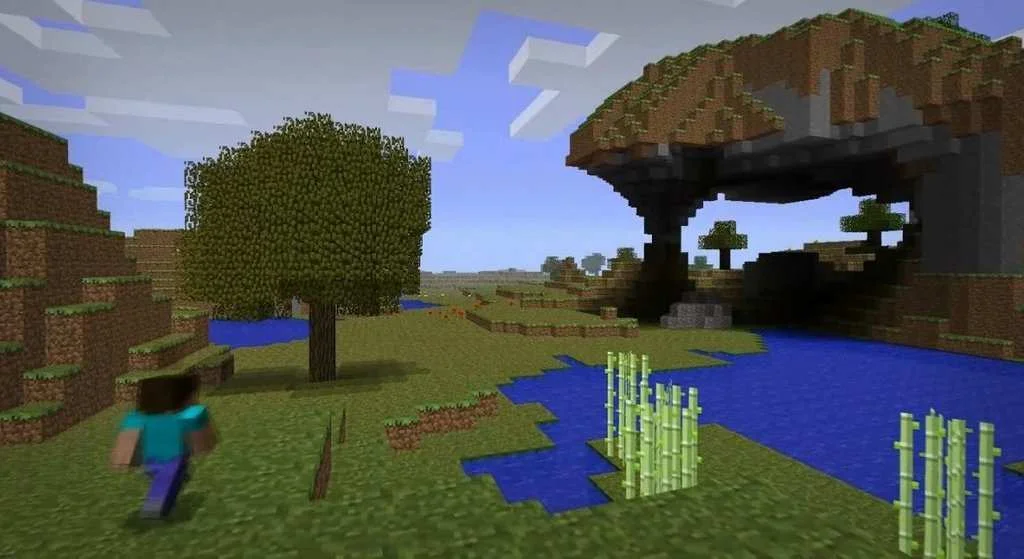
Trailer/Gameplay
Download
Minecraft (2011), 1.07GB
ElAmigos release, game is already cracked after installation.

Updated to version 1.19.1 (27.07.2022) or 1.12.2 (18.09.2017) - selectable during setup.

1. Extract files.
2. Burn or mount the image.
3. Install the game.
4. ElAmigos release, game is already cracked after installation.
5. Play the game. If you like this game, BUY IT!
Minecraft Download
🔒 Premium access required
To see and use the download links, you must be logged in and have an active PREMIUM account.
* Unlock downloads via Torrent and TeraBox.
Torrent Download
The best torrent download speeds are with qBittorrent!