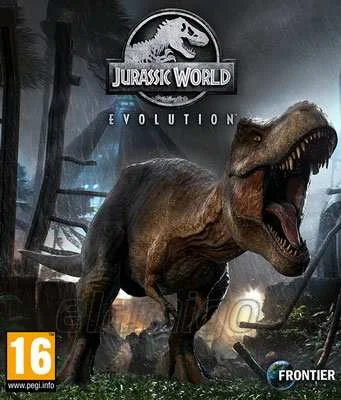
Jurassic World Evolution Deluxe
Edit date: 21-12-2022, 17:25
Reason: Updated to version 1.12.4 (25.02.2020)
- Category:
- Release date:
- Game Genre:Strategy, science fiction, Economic, dinosaurs, videos
- Developer:
- Release:ElAmigos
- Platform:PC
- Languages (subtitles):English, French, Italian, German, Spanish, Spanish (Mexico), Portuguese-Brazil, Russian, Japanese, Korean, Simplified Chinese, Traditional Chinese
- Dubbing/Audio:English, French, Italian, German, Spanish, Spanish (Mexico), Portuguese-Brazil, Russian, Japanese, Korean, Simplified Chinese
- Crack:Empress
- Game size:6.82GB
Game Description
Jurassic World Evolution Deluxe is a PC dinosaur park management and strategy game built by Frontier Developments. The current storefront naming is straightforward: Steam lists the base game as Jurassic World Evolution and sells the Deluxe version as the game plus its Deluxe Dinosaur Pack, rather than presenting it as a renamed or rebranded successor. The Deluxe package adds five extra species while leaving the main park-management structure intact.
This is a single-player park builder about turning dinosaur genetics, visitor demand, and containment systems into a functioning business. You create prehistoric attractions, research new technologies, and respond when weather, sabotage, disease, or an escaped animal disrupts the plan.
Build a dinosaur park under pressure
The central loop starts with fossil expeditions and DNA extraction. Recovered genetic material feeds the creation of dinosaurs, while improved genomes can produce animals with different traits, appearances, and behavioral characteristics. Every new species creates another management problem because guests want variety, but each animal also needs the right enclosure, food supply, social conditions, and security level.
Park construction combines habitat design with commercial planning. You place viewing galleries, hotels, shops, power stations, research buildings, ranger facilities, and emergency infrastructure around the island. The best layouts shorten response times and keep guests close to attractions without placing crowded visitor areas beside vulnerable fences.
Visitors generate the money needed for further research, but revenue depends on more than simply displaying large predators. Amenities, transport access, dinosaur variety, guest safety, and park reputation all affect performance. A profitable park can still collapse quickly if storms damage infrastructure or a security failure allows dangerous animals to roam.
The perspective alternates between a broad management view and direct operational control. You can oversee the park from above, then take a more hands-on role by directing ranger teams, responding to animal incidents, or controlling aerial containment operations when a crisis escalates.
Science, entertainment, and security
Jurassic World Evolution organizes park development around three competing interests: Science, Entertainment, and Security. Missions and contracts encourage different priorities, so progression is not only about unlocking buildings. It is also about deciding which department receives attention when the park cannot satisfy every demand at once.
Scientific progression expands the fossil and research network, opening access to new dinosaurs, upgrades, and genetic options. Entertainment focuses on visitor appeal and commercial growth. Security improves the systems that keep animals contained and guests protected. These branches create different routes through the campaign and influence how each island develops.
Genetic engineering is more than a cosmetic menu. Genome quality affects the viability and value of a dinosaur, while modifications can improve commercial appeal or create animals that are harder to manage. The tradeoff is practical: a more profitable specimen may also demand stronger facilities, more careful monitoring, or additional emergency preparation.
Weather and island conditions keep the management loop from becoming a purely decorative building exercise. Tropical storms can damage buildings, interrupt power, and contribute to breakouts. When a dinosaur escapes, the solution involves tracking the animal, repairing the enclosure, and using the appropriate response team rather than simply pausing the problem away.
Players who enjoy the broader construction side of park management can compare its visitor-focused building with creative amusement-park simulations such as Planet Coaster Thrillseeker Edition. Jurassic World Evolution is less concerned with individually shaping rides and more focused on the risks and routines of living attractions.
Campaign, Challenge, and Sandbox
The main campaign takes place across the Muertes archipelago, where each island introduces different terrain, operational constraints, and management pressures. Progress is tied to completing objectives and improving park performance, so the campaign gradually teaches the relationship between research, guest satisfaction, animal welfare, and security.
Campaign mode is the best entry point for players who want structured progression. It supplies missions, unlocks, and a clear sequence of management problems instead of placing every research option in front of you at once.
Challenge Mode starts from a more focused park-building scenario and tests how efficiently you can reach strong performance under selected difficulty conditions. It is useful for players who understand the core systems and want a tighter management problem rather than a narrative sequence.
Sandbox Mode moves the emphasis toward creative construction and experimentation. Isla Nublar serves as the open-ended space for players who want to arrange enclosures, attractions, roads, and scenery with fewer campaign constraints. Depending on the settings and unlocks available, sandbox play can function as either a relaxed builder or a self-imposed management challenge.
The game is not structured around a traditional combat campaign or a multiplayer economy. Its long-term loop is about improving layouts, unlocking species, refining animal genetics, and learning how to prevent one incident from turning into a park-wide emergency.
What the Deluxe Edition includes
The important commercial detail is that Deluxe is an upgrade package, not a complete bundle containing every Jurassic World Evolution expansion. The base game provides the core campaign, island progression, construction systems, and standard dinosaur roster.
The Deluxe content adds five species accessed through dig sites: Styracosaurus, Crichtonsaurus, Majungasaurus, Archaeornithomimus, and Suchomimus. These animals expand the park roster and give the fossil and genome systems additional targets, but they do not replace the separate story and species expansions sold for the game.
Other paid content includes narrative and dinosaur-focused additions such as Secrets of Dr Wu, Claire's Sanctuary, Return to Jurassic Park, the Cretaceous Dinosaur Pack, the Carnivore Dinosaur Pack, the Herbivore Dinosaur Pack, and the Raptor Squad Skin Collection. Players seeking the broadest catalog should distinguish the Deluxe purchase from the larger Premium Edition bundle.
That distinction matters for buyers who expect a complete edition. Deluxe is best understood as the base game with five bonus dinosaurs, while the other expansions add separate campaigns, species, cosmetics, or themed content.
Who should play it
Jurassic World Evolution Deluxe suits players who enjoy single-player management simulations, licensed settings, light economic planning, and systems that can fail in entertaining ways. The dinosaur theme gives ordinary park-management decisions immediate consequences: a poor fence placement is not merely inefficient when the attraction can escape and endanger guests.
It is also a strong fit for players who prefer guided progression before moving into a creative sandbox. The campaign introduces the game's departments and operational tools, while Challenge and Sandbox modes support repeat play after the main objectives have been completed.
It is less suitable for anyone looking for multiplayer park building, deep ride design, or a fully open construction toolkit from the beginning. This is a dinosaur-management game first. The park exists to support animal welfare, guest demand, research, and containment rather than to provide a limitless architecture editor.
Players interested in a more animal-care-focused management experience may also compare it with wildlife management sandboxes such as Planet Zoo Deluxe Edition. Planet Zoo places more emphasis on habitat detail and animal husbandry, while Jurassic World Evolution makes containment failures, genetics, and blockbuster attractions the defining pressures.
PC features and storefront details
On PC, the storefront version is listed as Jurassic World Evolution, with Jurassic World Evolution Deluxe presented as the base game paired with the Deluxe DLC. The developer and publisher are both Frontier Developments.
The PC edition is single-player and includes Steam achievements, Steam Trading Cards, Steam Cloud, Family Sharing, and Remote Play on TV. It uses Denuvo Antitamper as third-party DRM and requires agreement to the game's third-party EULA.
Steam lists interface support for English, French, German, Spanish from Spain, Japanese, Brazilian Portuguese, Russian, Simplified Chinese, Traditional Chinese, Italian, Korean, and Latin American Spanish. Full audio is available in the listed supported audio languages except Traditional Chinese and Latin American Spanish, which are listed for interface and subtitle support rather than full audio.
There is no co-op or competitive multiplayer mode. The experience is designed around one park manager controlling construction, research, animal care, guest services, ranger teams, and emergency response.
Jurassic World Evolution Deluxe FAQ
Is Jurassic World Evolution Deluxe a renamed game?
No. The current storefront presentation treats Jurassic World Evolution Deluxe as the base game with the Deluxe Dinosaur Pack. It is not a rebrand of Jurassic World Evolution 2 or a separate replacement title.
What dinosaurs are in the Deluxe Edition?
The Deluxe package adds Styracosaurus, Crichtonsaurus, Majungasaurus, Archaeornithomimus, and Suchomimus. They are accessed through the game's dig-site and genome systems.
Does Deluxe include every Jurassic World Evolution expansion?
No. Deluxe adds the five-dinosaur pack only. Story expansions and other species or cosmetic packs remain separate unless purchased through a larger bundle that specifically lists them.
Does Jurassic World Evolution Deluxe have multiplayer?
No. The PC edition is a single-player management game. Its Steam features include cloud saves and Remote Play on TV, but those do not turn the park into a multiplayer or co-op experience.
What is the best mode for new players?
Campaign mode is the clearest starting point because it introduces the departments, research flow, dinosaur management, guest systems, and emergency responses through structured objectives. Challenge and Sandbox become more useful once the park-management fundamentals are familiar.
Is Sandbox mode completely unrestricted?
Sandbox mode is the most flexible option, especially on Isla Nublar, but its available settings and content depend on the unlocks and configuration chosen. It is better described as an open-ended park-building mode than as a separate game with every system automatically available.
System Requirements
Minimum: |
Processor: Intel Core i5-2300 2.8 GHz / AMD FX-4300 3.8 GHz Graphics: 2 GB GeForce GTX 650 / Radeon HD 7850 Memory: 8 GB RAM Disk space: 8 GB HDD Operating system: Windows 7/8.1/10 64-bit |
Screenshots
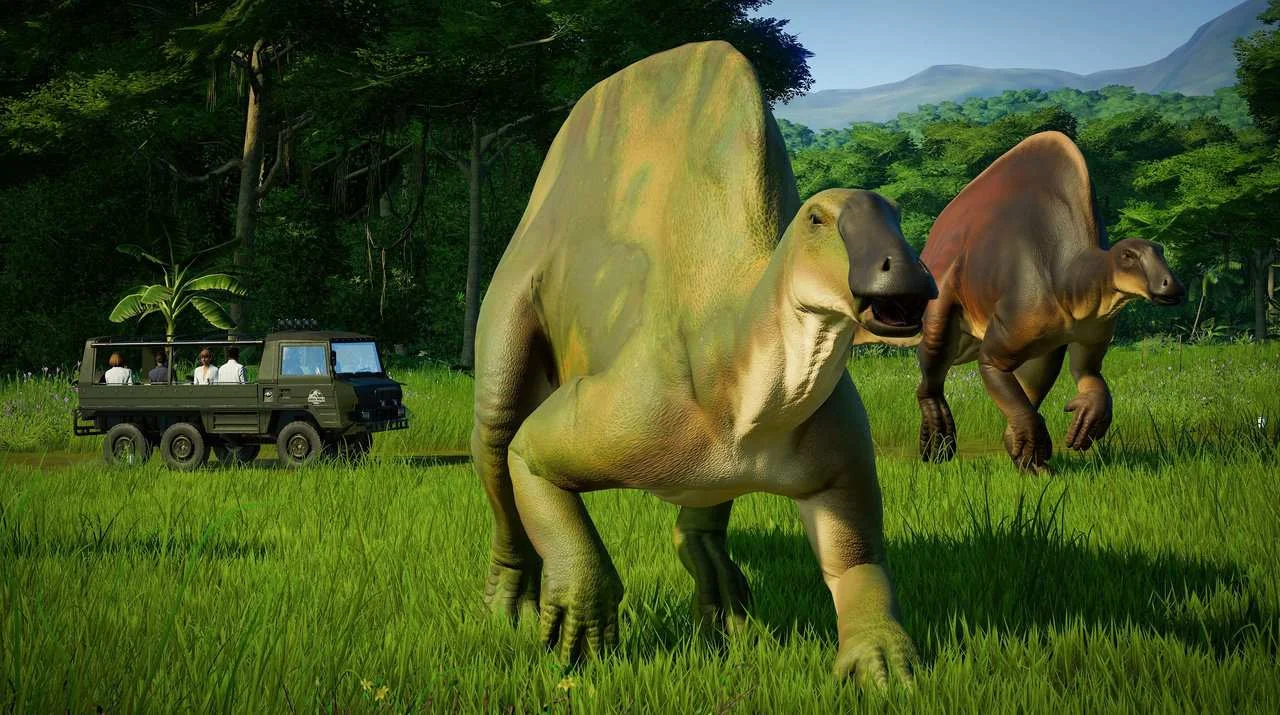
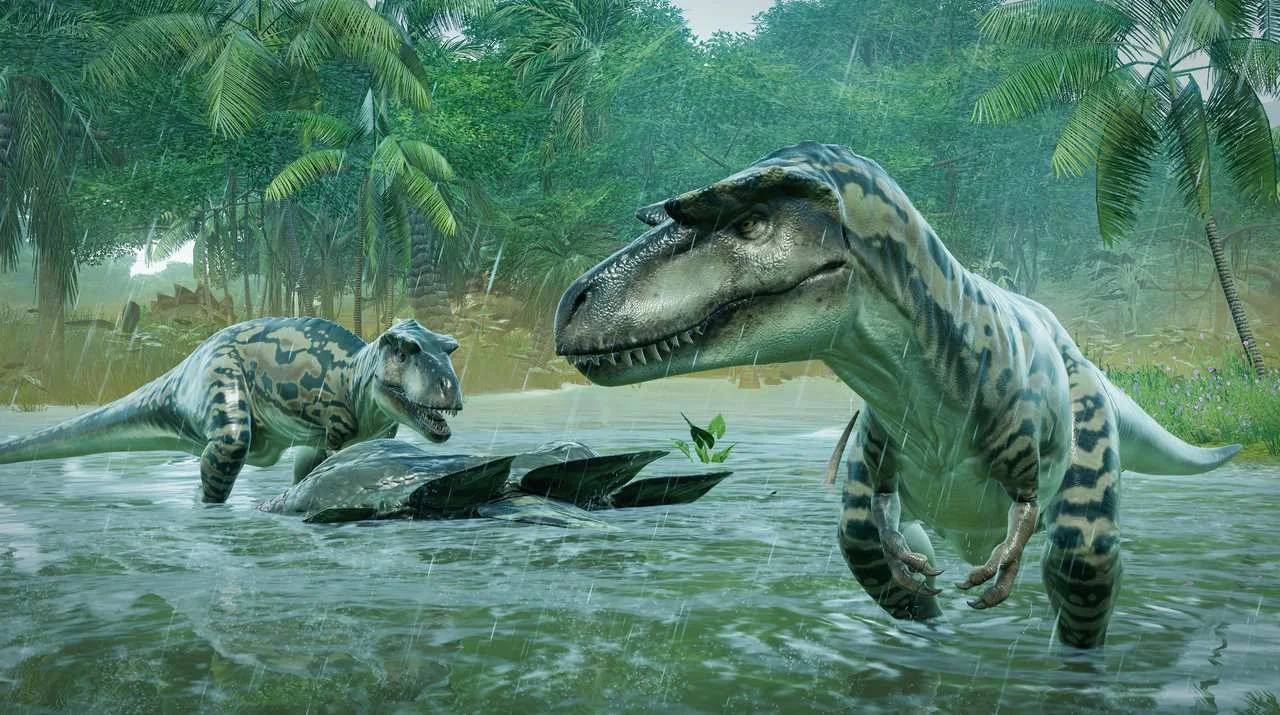


Trailer/Gameplay
Download
Jurassic World Evolution Deluxe (2018), 6.82GB
ElAmigos release, game is already cracked after installation (crack by Empress).

Updated to version 1.12.4 (25.02.2020).

1. Extract files.
2. Burn or mount the image.
3. Install the game.
4. ElAmigos release, game is already cracked after installation.
5. Play the game. If you like this game, BUY IT!
Jurassic World Evolution Download
🔒 Premium access required
To see and use the download links, you must be logged in and have an active PREMIUM account.
* Unlock downloads via Torrent and TeraBox.
DLC: Deluxe Dinosaur Pack, Pre-order Content, Secrets of Dr Wu, JingleJam, Cretaceous Dinosaur Pack, Carnivore Dinosaur Pack, Claire's Sanctuary, Herbivore Dinosaur Pack, Return To Jurassic Park, Raptor Squad Skin Collection.
Torrent Download
The best torrent download speeds are with qBittorrent!