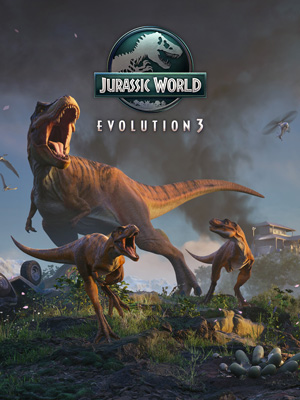
Jurassic World Evolution 3
Edit date: 22-06-2026, 17:59
Reason: Updated to version 1.3.3 (16.06.2026)
- Category:
- Release date:
- Game Genre:Management Simulation, Strategy, Economic Simulation, Park Builder, Sci-Fi, Dinosaurs, Singleplayer
- Developer:Frontier Developments
- Release:ElAmigos
- Platform:PC
- Languages (subtitles):English, French, Italian, German, Spanish, Spanish (Mexico), Polish, Portuguese-Brazil, Japanese, Korean, Chinese Simplified, Chinese Traditional
- Dubbing/Audio:English, French, German, Spanish, Spanish (Mexico), Portuguese-Brazil, Japanese, Chinese Simplified
- Crack:Hypervisor
- Game size:13.13GB
Game Description
Jurassic World Evolution 3 is a PC dinosaur park management simulation from Frontier Developments, published by Frontier Developments. The current storefront name remains Jurassic World Evolution 3; no verified rebrand, replacement title, or alternate definitive-edition name is listed for the PC version. Its core appeal is the combination of park construction, animal welfare, guest economics, security management, and the series' new focus on dinosaur families.
This is a single-player strategy game rather than a multiplayer park builder. You create dinosaur habitats, research new species and technologies, operate attractions, respond to emergencies, and gradually expand a network of parks across different global locations. Players who want a more compact dinosaur-management alternative can also compare its habitat and guest systems with dinosaur park builders such as Parkasaurus, although Jurassic World Evolution 3 places greater emphasis on licensed presentation, containment, and large-scale campaign management.
Build a living dinosaur park
The main loop begins with selecting a location, planning roads and facilities, creating secure enclosures, and introducing prehistoric animals that have different environmental and social requirements. A profitable park needs more than attractive scenery. You must provide suitable habitats, keep animals healthy, maintain guest comfort, and make sure security systems can handle accidents or escapes.
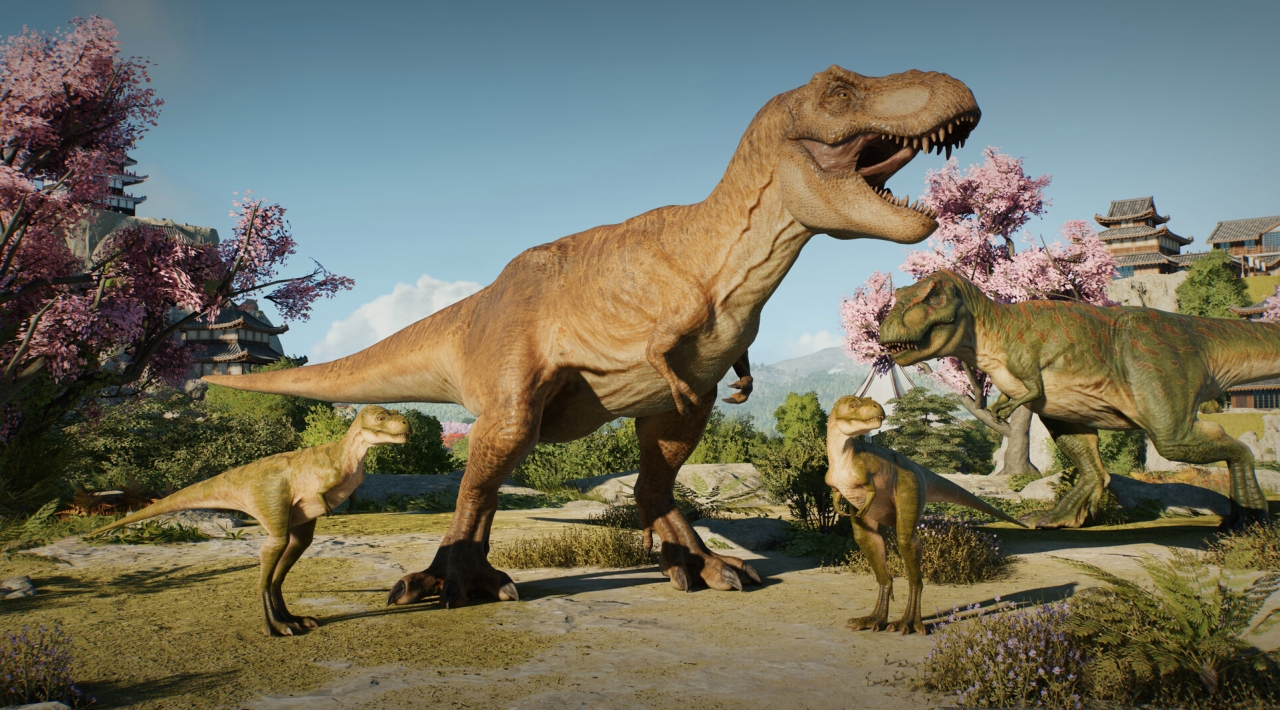
The major series development is the introduction of juvenile dinosaurs and a more complete breeding system. More than 70 prehistoric species can form family units with distinct female, male, and juvenile variants. Parents can nurture their young, while juvenile animals have their own needs and behaviors before growing into adults. This gives each enclosure a longer management cycle than a simple hatch-and-display system.
Genetic engineering remains part of the park economy. You can select traits for engineered dinosaurs, including characteristics connected to physical condition or reproductive potential, and those traits can pass to later generations. The result is a management decision rather than a purely cosmetic customization menu: desirable animals can improve park appeal, but their welfare and containment requirements still need to be handled.
Where the management pressure comes from
Jurassic World Evolution 3 divides many campaign decisions between Security, Entertainment, and Conservation. These interests do not always want the same outcome. A park manager may need to decide whether to invest in safer infrastructure, more attractive visitor experiences, or systems that support the long-term integration of dinosaurs into modern environments.
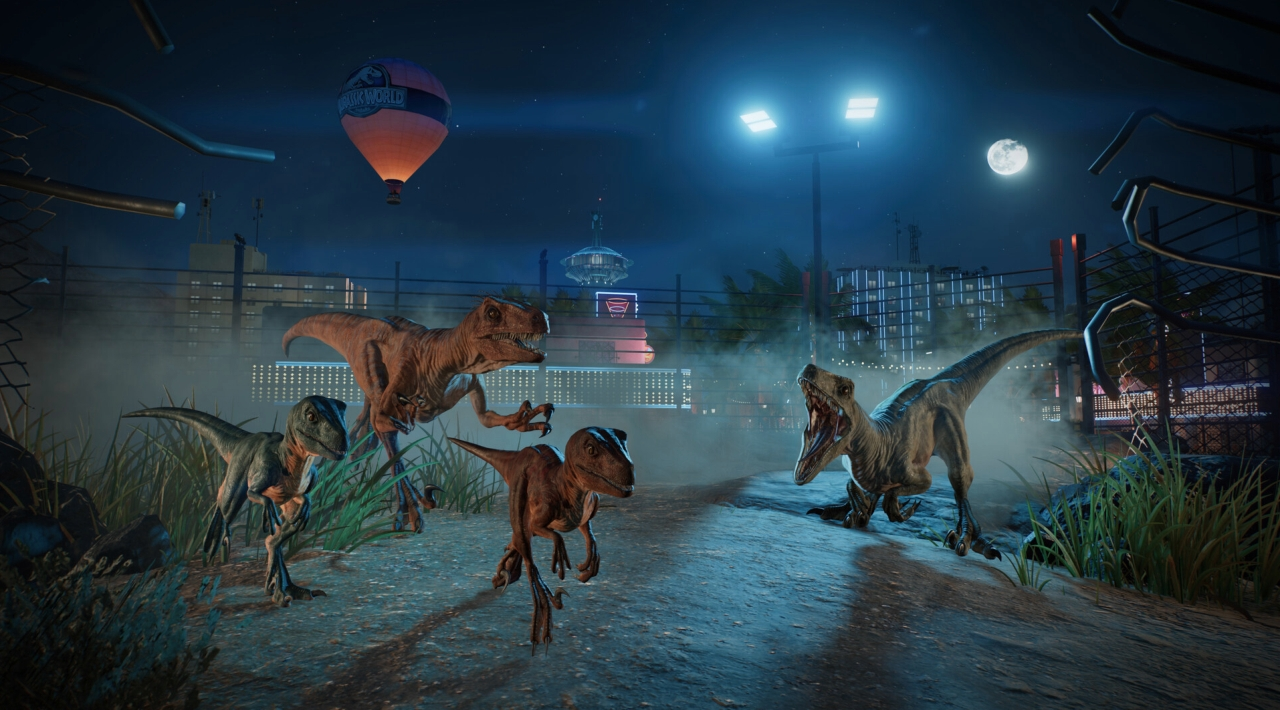
Security cameras and the Maintenance ATV team give the operational side more visibility. Cameras help monitor vulnerable areas, while maintenance vehicles support repairs and emergency response. Escaped dinosaurs are therefore not just visual set pieces. They can disrupt the park's finances, threaten guests, and force you to switch from long-term planning to immediate containment.
Guests can also experience dinosaurs through new attractions designed for closer encounters or elevated views. These systems support the commercial side of the park while creating additional layout decisions: attractions must be placed where visitors can reach them, where animals can be seen, and where safety coverage remains practical.
Campaign, Sandbox, and Challenge modes
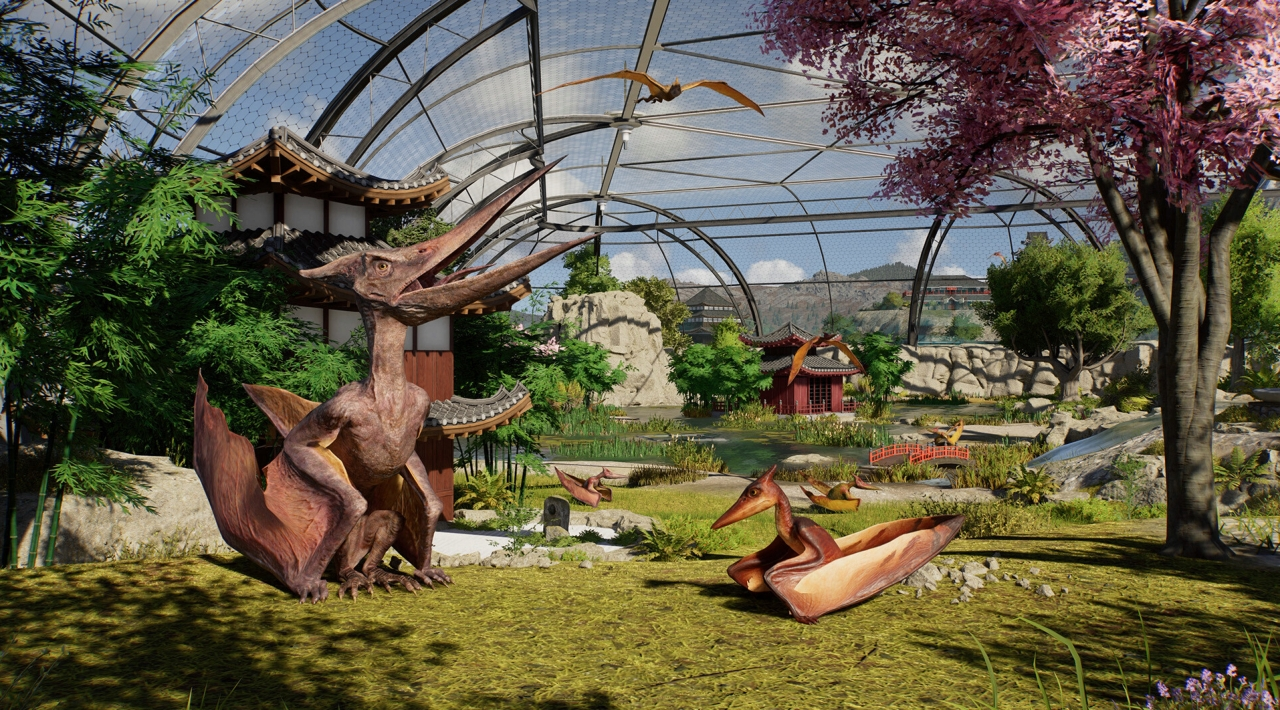
The Campaign is built around a non-linear, globe-spanning structure. You work with the Dinosaur Integration Network to construct and rebuild parks in locations including Japan and Hawaii, unlock new areas and animals, and handle scenarios shaped by competing factions. The campaign is the most structured way to learn research, animal care, guest services, and park security.
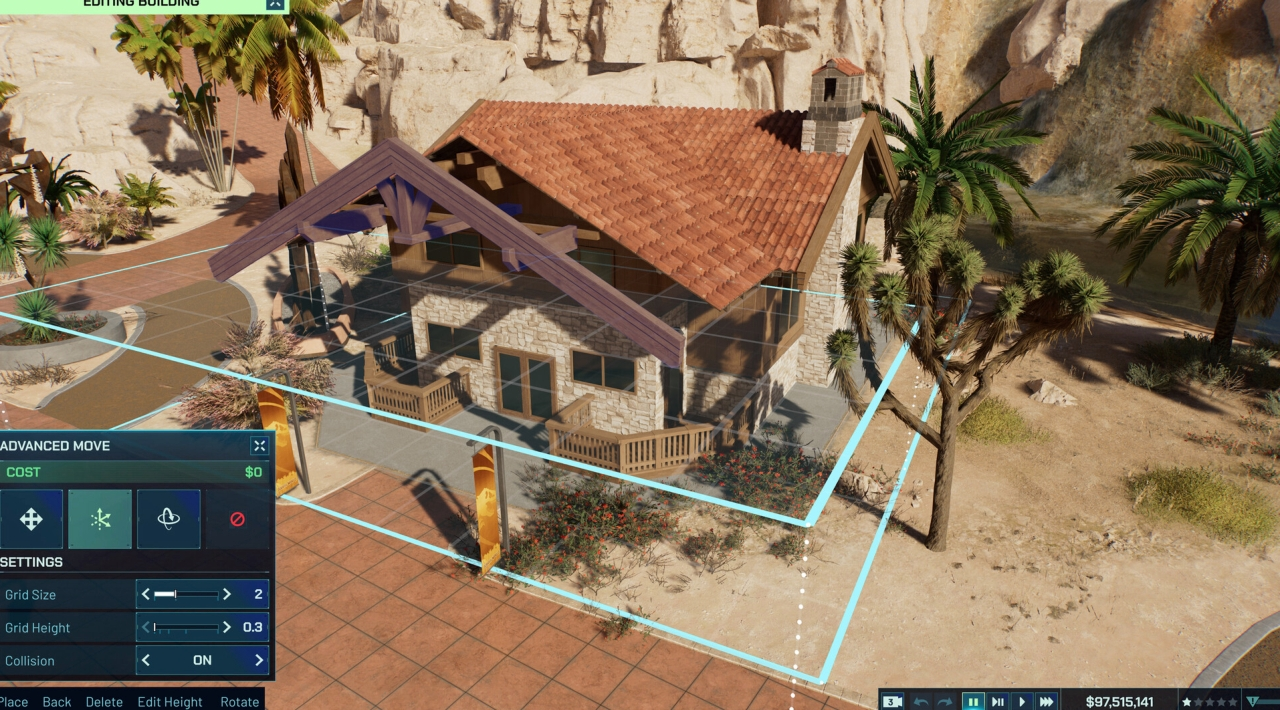
Sandbox Mode is designed for players who want control over the creative process. You can choose locations from the campaign and earlier games, adjust gameplay settings, and decide whether the park should operate as a serious business or as a construction experiment. The mode supports both unrestricted building and self-imposed challenges, making it the natural home for detailed park layouts and themed recreations.
The series also introduces the Island Generator. Generated islands use shareable Island DNA codes, allowing players to recreate layouts based on the same seed and settings. This gives Sandbox Mode a more repeatable structure than a fixed collection of maps and creates an additional reason to revisit the game after completing campaign scenarios.
Challenge Mode focuses on timed scenarios. You build parks at selected locations, work within difficulty-specific restrictions, and compete against completion targets. Successful runs can unlock unique scenery for use across the other modes, so Challenge Mode is aimed at players who prefer clear objectives and efficient park management over unrestricted creative play.
Content model and editions
The standard PC edition is a paid base game containing the campaign, Sandbox Mode, Challenge Mode, core construction tools, dinosaur management, research, guest systems, and the main species roster. It is not a free-to-play game, and the available paid content is sold as optional add-ons rather than as a subscription requirement.
The Deluxe Edition adds four prehistoric family units: Protoceratops, Guanlong, Thanatosdrakon, and Concavenator. It also includes Clark County-inspired scenery and exclusive ATV skins. The Badlands Set adds scenery blueprints and a themed ATV skin inspired by the original Jurassic Park dig-site setting.
Current storefront listings also include the Wetlands Pack, the Rebirth Expansion, and the Crocodilia Coast Pack. These add optional species, family units, scenery, or campaign content. Crocodilia Coast is particularly notable for introducing Deinosuchus to the franchise alongside additional prehistoric family units and coastal construction pieces. Buyers should distinguish the base game, Deluxe Edition, upgrade content, and larger bundles because the Deluxe purchase is not automatically the same as owning every later expansion.
Who should play it?
Jurassic World Evolution 3 is a strong fit for players who enjoy creative park building but still want management consequences. It rewards careful enclosure planning, gradual research, sensible facility placement, and the ability to react when animals or infrastructure create a crisis.
The game is less suited to players seeking direct dinosaur survival gameplay, competitive multiplayer, or a pure architectural editor with no economic pressure. It remains a park-management simulation first. Dinosaurs are the central attraction, but keeping the park financially viable and operationally safe is just as important as collecting species.
Players who prefer deeper general animal husbandry and broader habitat customization may also consider large-scale zoo management sandboxes like Planet Zoo. Planet Zoo is broader in its conventional animal-care focus, while Jurassic World Evolution 3 is more concentrated on prehistoric species, genetic engineering, faction decisions, and containment events.
PC features and platform details
On PC, the game is available through major storefronts including Steam, Epic Games Store, and the Windows Store. Steam lists keyboard-and-mouse support alongside gamepad control, making the PC version suitable for traditional management play or a controller-based setup. The Steam release also includes Steam Cloud, achievements, Trading Cards, Family Sharing, and HDR support.
The Steam edition uses Denuvo Anti-tamper as third-party DRM and requires agreement to a third-party EULA. The game is advertised as single-player, with no verified cooperative park-management mode, split-screen, or competitive multiplayer. Its social ecosystem instead comes from the Frontier Workshop, where players can share parks, enclosures, scenery creations, and other community designs across platforms.
Localization covers interface and subtitle support in English, French, German, Spanish, Brazilian Portuguese, Simplified Chinese, Latin American Spanish, Italian, Japanese, Korean, Polish, and Traditional Chinese. Full audio is available in a smaller selection of languages, so players should distinguish spoken-language support from translated menus and subtitles.
Jurassic World Evolution 3 FAQ
Has Jurassic World Evolution 3 been renamed on PC?
No verified rebrand has been found. The PC storefront name remains Jurassic World Evolution 3, separate from Jurassic World Evolution and Jurassic World Evolution 2.
Is Jurassic World Evolution 3 multiplayer?
No. It is a single-player park-management game without co-op, competitive multiplayer, or split-screen. Frontier Workshop sharing lets players exchange creations, but it does not allow several people to manage one park together.
What is the Island Generator?
The Island Generator creates new Sandbox starting layouts. Each generated island has an Island DNA code that can be shared so other players can recreate the same island using matching settings.
Can dinosaurs breed and raise young?
Yes. More than 70 species can form family units with female, male, and juvenile variants. Juveniles have their own needs and behaviors, while parents can nurture and protect their offspring.
What does the Deluxe Edition include?
The Deluxe Edition adds Protoceratops, Guanlong, Thanatosdrakon, and Concavenator family units, plus Clark County scenery and exclusive ATV skins. It does not automatically include every later paid expansion.
Does the PC version support controllers?
Yes. The game is designed for keyboard-and-mouse or gamepad control on PC. Keyboard and mouse remain the more natural choice for detailed construction and management interfaces.
System Requirements
Minimum: | Recomended: |
| Processor: Intel i5-6600K / AMD Ryzen 5 2600 Graphics: NVIDIA GeForce GTX 1060 (6GB VRAM) / AMD Radeon RX 5600XT (6GB VRAM) / Intel Arc A750 (8GB VRAM) Memory: 16 GB RAM Disk space: 25 GB available space Operating system: Windows 10 64bit (min version 22H2) | Processor: Intel i7-10700K / AMD Ryzen 7 5800 Graphics: NVIDIA GeForce RTX 2070 Super (8GB VRAM) / AMD Radeon RX 6700 XT (12GB VRAM) / Intel Arc B580 (12GB VRAM) Memory: 16 GB RAM Disk space: 25 GB available space Operating system: Windows 10, 11 |
Screenshots
Trailer/Gameplay
Download
Jurassic World Evolution 3 Deluxe Edition *Hypervisor* (2025), 13.13GB
ElAmigos release.

Updated to version 1.3.3 (16.06.2026)

1. Extract files.
2. Burn or mount the image.
3. Install the game.
4. ElAmigos release, game is already cracked after installation.
5. Play the game. If you like this game, BUY IT!- install game
- educate yourself first by reading _Info.txt and DenuvOwO.nfo; CPU virtualization must be enabled in BIOS (some motherboards have it enabled as default setting)
- start as Administrator "VBS.cmd" from game folder, press 1, restart computer, then on the next boot press F7 when new window will show up (driver signature OFF)
- start from desktop icon
Once you make it work, any other game with Hypervisor can be installed and played from desktop icon (as long as you don't restart/shutdown PC - then again VBS.cmd > 1 > reboot > F7 > desktop icon)
Jurassic World Evolution 3 Deluxe Edition *Hypervisor* Download
🔒 Premium access required
To see and use the download links, you must be logged in and have an active PREMIUM account.
* Unlock downloads via Torrent and TeraBox.
DLC: Rebirth Expansion, Wetlands, Badlands Set, Deluxe Upgrade Pack.
Torrent Download
The best torrent download speeds are with qBittorrent!