RBI Baseball 21
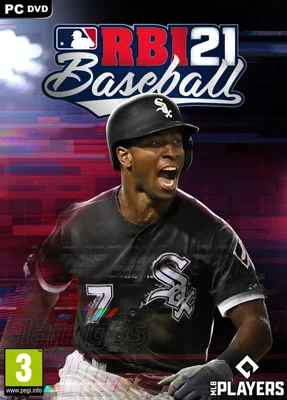
- Category:
- Release date:
- Game Genre:Sports, baseball, for 2 people, splitscreen
- Developer:Major League Baseball Advanced Media, Publisher: Major League Baseball Advanced Media
- Release:ElAmigos
- Platform:PC
- Languages (subtitles):English, French, German, Spanish (Mexico), Japanese
- Dubbing/Audio:English
- Crack:Codex
- Game size:6.41GB
Game Description
R.B.I. Baseball 21 on PC is an arcade-style MLB baseball game built for quick matches, approachable controls, and a lightweight alternative to more simulation-heavy sports titles. The official name remains R.B.I. Baseball 21, with no verified rebrand or replacement edition. Its original PC storefront listings have since been retired, so the game is now mainly relevant to players who already own it or are researching its offline features and licensed content.
Fast baseball built around direct control
R.B.I. Baseball 21 covers the complete on-field sequence: pitching, batting, baserunning, and fielding. The design favors immediate decisions over dense pre-pitch management, making it possible to start a game without learning a large collection of specialist controls.
Pitching revolves around choosing a pitch, targeting its location, and managing execution. Batting focuses on reading the delivery and timing the swing, while fielding and baserunning ask you to react quickly after contact. The result is a compact gameplay loop that feels more arcade-oriented than a full statistical simulation.
The PC edition supports both keyboard input and full controller support. A gamepad is the more natural choice for most players because the core actions rely on directional input, timing, and quick transitions between offensive and defensive phases.
Batting, pitching, and camera customization
One of the stronger additions in this edition is the expanded control setup. R.B.I. Baseball 21 includes twelve batting control combinations, allowing players to choose a scheme that better matches their preferred balance of simplicity and manual input.
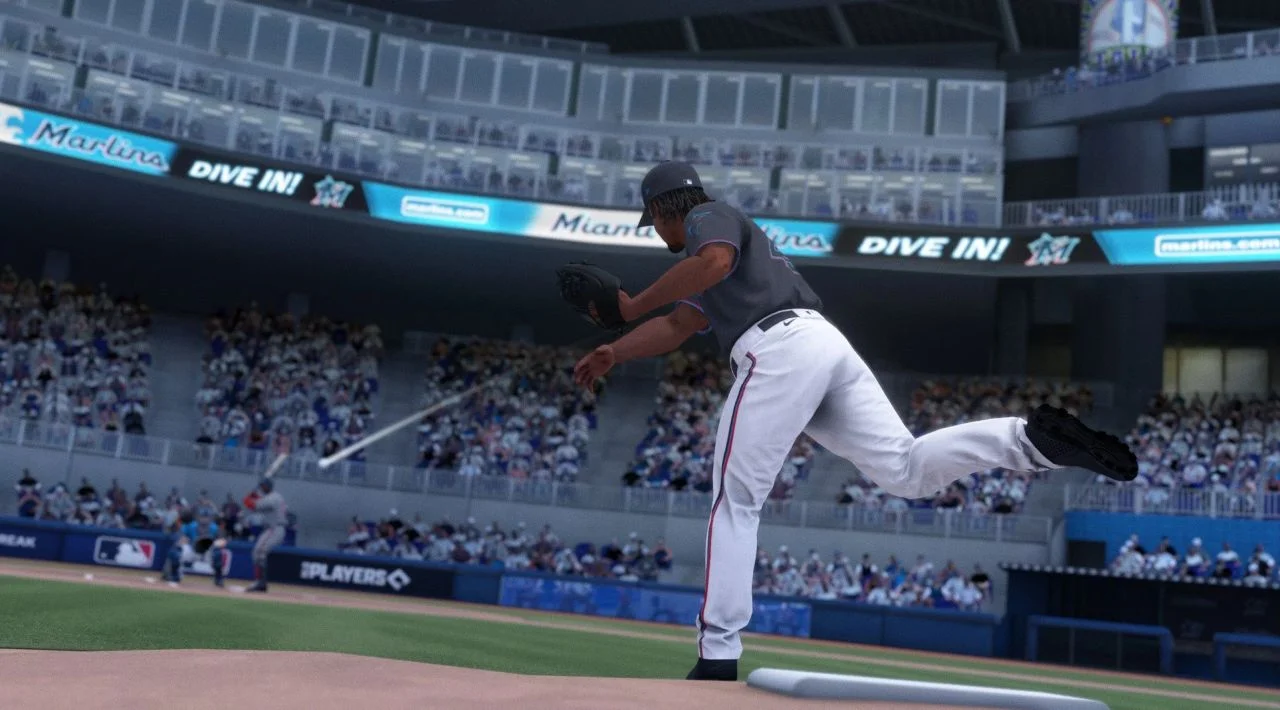
The game also offers nineteen batting and pitching camera angles. These options matter because pitch visibility, batter spacing, and the amount of field information on screen can change the feel of an at-bat. Players who find the default view uncomfortable can experiment with alternative perspectives instead of treating the presentation as fixed.
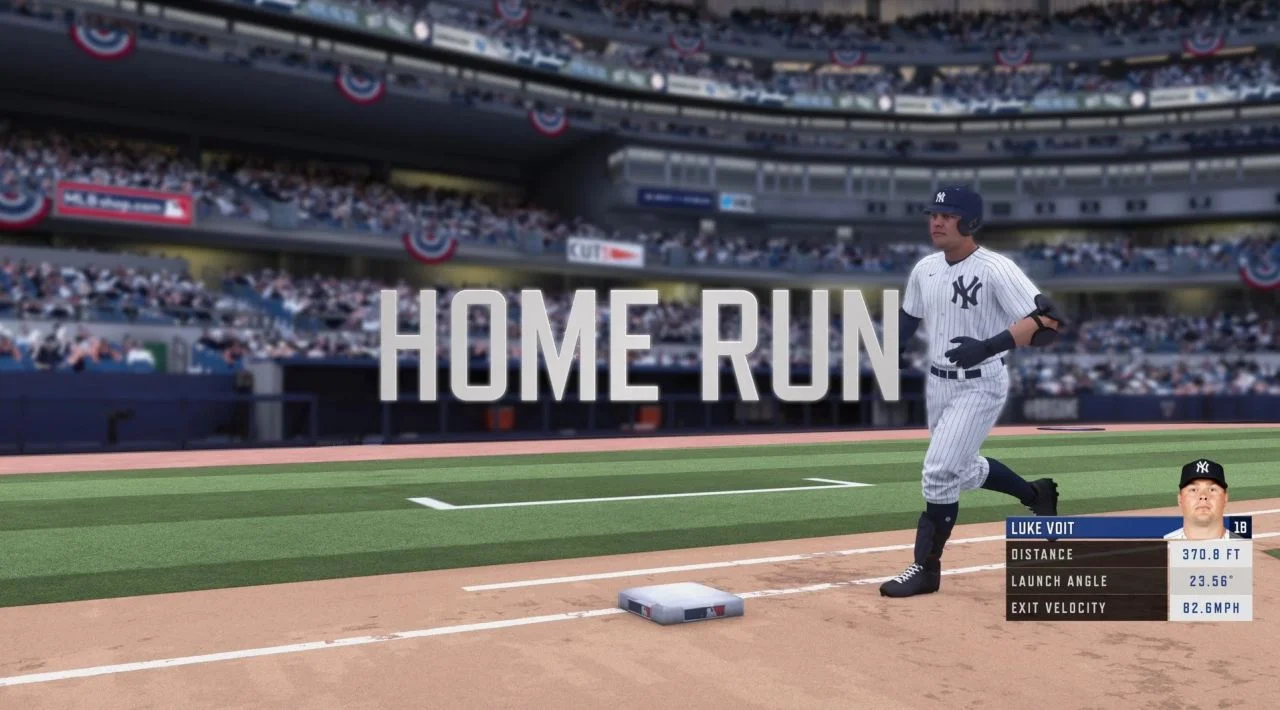
Pitchers are supported by Statcast-driven pitch data intended to model individual pitch types and movement. That gives recognizable pitchers more distinct identities than a simple menu of generic fastballs and breaking balls, even though the overall experience remains accessible rather than deeply analytical.
Difficulty is customizable, so the game can be tuned for casual play or made more demanding for players who want tighter timing and less forgiving outcomes. This flexibility is useful when sharing the game with players of different experience levels.
Franchise, exhibition, and home run challenges
Franchise Mode is the main long-term structure. You select an MLB team and guide it through a multi-season run toward a World Series title, combining individual games with roster and organizational decisions. It is not an elaborate front-office simulator, but it gives the pick-up-and-play format a meaningful progression layer.
Exhibition is the quickest way to play a complete game without committing to a season. It suits short sessions, testing different teams, or learning the controls before starting a longer franchise. The game also includes Postseason play, which places the focus on elimination-style matchups rather than a full schedule.
Home Run Derby provides a repeatable score-attack activity built around timing and power. It is particularly useful for practicing batting rhythm because the mode removes much of the strategic noise surrounding a normal game and puts the spotlight on making solid contact.
Create-a-Player is another headline feature. You can build a custom player intended to function as a five-tool position player, power hitter, speed-focused runner, or pitcher. Appearance, equipment, and player attributes can be adjusted, although the customization suite is more functional than role-playing focused.
Licensed MLB content without a live-service structure
R.B.I. Baseball 21 is officially licensed by both Major League Baseball and the MLB Players Association. That license supplies the real MLB teams, player identities, uniforms, and league presentation that distinguish it from fictional baseball alternatives.
The content model is straightforward. This is a standalone paid baseball game rather than a free-to-play product, card-collecting service, or recurring seasonal platform. There is no verified PC season pass, expansion roadmap, or substantial DLC catalog attached to the game.
Roster updates were part of the original design, with the stated goal of reflecting real MLB moves during the season. Because the PC storefront release has been retired and the title is no longer maintained as a current platform product, players should not treat live roster support as an ongoing guarantee.
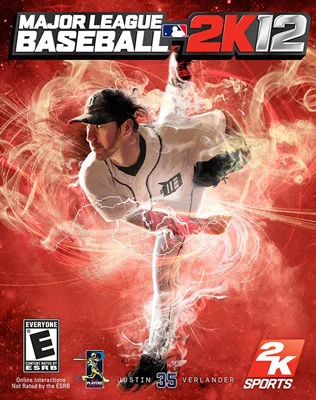
For players who want licensed baseball history on PC, the older catalog entry for classic MLB baseball simulation in Major League Baseball 2K12 offers a more management-heavy comparison, while R.B.I. Baseball 21 is more focused on direct arcade action.
Who should play it?
R.B.I. Baseball 21 is a reasonable fit for players who want licensed MLB teams, short learning curves, and a franchise mode that does not require extensive preparation before the first pitch. It also works well for baseball fans who prefer to control the important moments themselves rather than manage every detail of a roster.
The game is less suitable for players expecting a highly detailed simulation of baseball strategy, sophisticated player animation, or the depth of a modern online sports ecosystem. Its strengths are speed and accessibility, not exhaustive realism.
It can also appeal to couch multiplayer groups. The PC catalog listing identifies two-player split-screen support, making local games possible on one computer when compatible controllers are available.
PC features and current availability
The PC version was distributed through digital storefronts including Steam and the Microsoft Store. Current storefront tracking identifies the Steam application as retired, and the PC edition is no longer generally available for new digital purchase through the major listings checked for this guide.
There is no verified rebrand such as a Classic, Definitive, or Legacy Edition. Searches for the current storefront name continue to point back to R.B.I. Baseball 21, so players should be cautious of listings that present an unofficial alternate title as a new edition.
Steam metadata records offline single-player support and full controller support. The PC release does not have the same online head-to-head feature promoted for Nintendo Switch. PC reviews and community documentation consistently describe the Windows version as an offline-focused release rather than a dependable online multiplayer platform.
The available interface languages include English, French, German, Latin American Spanish, and Japanese. English is also the supported full-audio language listed for the PC package, with play-by-play commentary provided by MLB Network's Fran Charles.
Similar baseball experiences on PC
R.B.I. Baseball 21 occupies a narrow space: it combines real MLB licensing with arcade controls, but it is not a deep simulator and it no longer has an active PC storefront presence. Players wanting a broader management experience should look toward licensed or historically focused baseball games, while those wanting stylized multiplayer baseball may prefer other arcade designs.
If baseball is only one part of the appeal and you are interested in physical sports played from a direct viewpoint, multi-sport VR collections with baseball and motion-based events like All-In-One Sports VR provide a different kind of hands-on alternative. It is not a direct replacement for R.B.I. Baseball 21, but the comparison is useful for players deciding between traditional controller baseball and physical sports interaction.
R.B.I. Baseball 21 FAQ
Is R.B.I. Baseball 21 still available on PC?
The original PC release has been retired from the major digital storefront listings checked for this guide. There is no verified replacement edition or current rebrand, so availability mainly depends on existing ownership and legitimate previously obtained access.
Does R.B.I. Baseball 21 have online multiplayer on PC?
No dependable PC online mode is documented. The online head-to-head feature was associated with the Nintendo Switch version, while the PC edition is generally described as supporting offline play and local multiplayer.
Can two people play R.B.I. Baseball 21 locally?
Yes. The PC catalog listing identifies support for two players in split-screen, making local matches possible with compatible input devices.
What modes are included?
The main modes are Exhibition, Franchise, Postseason, Home Run Derby, and Create-a-Player. Franchise supplies the longest progression loop, while Exhibition and Home Run Derby are better suited to short sessions.
Does the game use real MLB teams and players?
Yes. R.B.I. Baseball 21 carries official MLB and MLBPA licensing, giving it real teams and player identities rather than a fully fictional league.
Does it support controllers on PC?
Yes. The PC version has full controller support, alongside keyboard input. A gamepad is generally the better fit for pitching, batting, baserunning, and fielding.
System Requirements
Minimum: | Recomended: |
| Processor: Intel Core 2 Duo E8400 3.0 GHz / AMD Phenom II X2 550 3.1 GHz Graphics: 512 MB GeForce 9600 GT / Radeon HD 4850 Memory: 4 GB RAM Disk space: 8 GB HDD Operating system: Windows 7/8.1/10 | Processor: Intel Core i7-920 2.66 GHz / AMD FX-4350 4.2 GHz Graphics: 2 GB GeForce GTX 560 / 3 GB Radeon HD 8950 Memory: 8 GB RAM Disk space: 8 GB HDD Operating system: Windows 10 64-bit |
Screenshots


Trailer/Gameplay
Download
R.B.I. Baseball 21 (2021), 6.41GB
ElAmigos release, game is already cracked after installation (crack by Codex).

1. Extract files.
2. Burn or mount the image.
3. Install the game.
4. ElAmigos release, game is already cracked after installation.
5. Play the game. If you like this game, BUY IT!
RBI Baseball 21 / R.B.I. Baseball 21 Download
🔒 Premium access required
To see and use the download links, you must be logged in and have an active PREMIUM account.
* Unlock downloads via Torrent and TeraBox.
Torrent Download
The best torrent download speeds are with qBittorrent!