Bridge 2
- Category:
- Release date:
- Game Genre:Simulation, construction
- Developer:toxtronyx interactive GmbH Publisher: Aerosoft GmbH
- Release:ElAmigos
- Platform:PC
- Languages (subtitles):English, German
- Dubbing/Audio:English
- Crack:not necessary
- Game size:0.46GB
Game Description
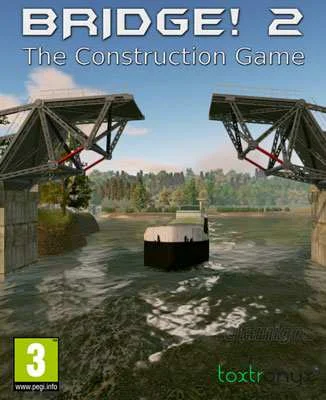
Bridge 2 is a PC bridge-building simulation and structural puzzle game, currently listed on Steam as Bridge! 2 and by Aerosoft as Bridge! 2 - The Construction Game. It is not the same game as Poly Bridge 2. Developed by toxtronyx interactive GmbH and published by Aerosoft GmbH, it focuses on designing, testing, repairing, and completing bridges under financial and engineering constraints.
The punctuation varies between catalog pages, but research found no verified rebrand, definitive edition, or free-to-play transition. For search purposes, Bridge 2, Bridge! 2, and Bridge! 2 The Construction Game refer to the same Steam product.
Build, test, and reinforce each structure
The central loop is deliberate and practical: inspect a mission, choose the available construction parts, assemble a bridge, start a simulation, identify weak points, then revise the design until it passes every required test. A successful bridge is not simply the one that looks convincing. It must survive its assigned traffic, shipping, or mechanical checks while staying within the available budget.
The game uses a 3D construction view with a mostly mouse-driven interface. Left-click confirms construction actions, right-click cancels or removes the current action, and the W, A, S, and D keys move the camera while the mouse wheel controls zoom. Building suspension cables and arches requires shaping them directly with mouse movement, making the design process more hands-on than a simple menu-based placement system.
Bridge failures are part of the intended learning loop. During a simulation, the load indicator highlights structural stress using a color scale that moves from safer green areas toward overloaded red sections. You can stop a test and return to construction mode, but doing so counts as an additional attempt in the mission evaluation.
Engineering systems that distinguish Bridge 2
The construction toolkit contains about twenty bridge components, with many parts available in up to three specifications. The exact choice affects how the structure behaves and how much of the budget it consumes. The game includes roadway pieces, support beams, suspension cables, hydraulics, and other structural elements designed around different bridge types.
Several mechanics give Bridge 2 more variety than a basic plank-and-cable puzzle. Prestressed concrete arches can be shaped as convex or concave curves and are more stable than suspension cables, but they can still crack and collapse when overloaded. Counterweights support bascule bridges by reducing the strain placed on their hydraulics, so balance becomes as important as material selection.
Other construction options include fixed and rotating support beams, separation joints for roadways, folding bridges, balance-beam bascule bridges, and reinforced concrete structures. Missions may also require you to repair or finish partially completed projects rather than starting every bridge from an empty site.
The eight endurance-test types create distinct engineering problems. Depending on the scenario, a bridge may need to open and close with hydraulics, return safely to its starting position, allow a ship to pass underneath, or carry road and rail vehicles without breaking connections or sending traffic off the route.
Campaign structure and custom missions
The authored content includes more than 50 missions and eight tutorial stages. Progress is divided across four difficulty levels: Tutorial, Easy, Medium, and Difficult. The early missions introduce the basic construction workflow, while later challenges combine longer spans, more components, moving structures, and stricter load-bearing demands.
Progression also unlocks up to six scenarios, each available in train and street variants. New scenarios, tests, and construction elements become available as missions are completed, giving the campaign a controlled introduction to the editor and its more complicated bridge types.
The integrated mission editor is a major part of the long-term appeal. Players can define a scenario, choose construction components, set a budget, add endurance tests, and write a mission description. The editor is not fully open from the beginning; its tools are unlocked through campaign progress, so custom content grows alongside your understanding of the construction systems.
Custom missions can be saved and exchanged with other players through the Steam ecosystem. This extends the game beyond its authored challenges, although the experience remains centered on solo construction and testing rather than direct multiplayer interaction.
Who should play Bridge 2?
Bridge 2 is aimed at players who enjoy physics-based problem solving, structural experimentation, and the satisfaction of refining a design after a failed test. It rewards patience, spatial planning, and careful budget use more than quick reactions. The strongest moments come when a complicated bridge finally opens, carries its traffic, and closes without a single overloaded connection.
It is also a reasonable fit for players who want an engineering puzzle with more formal scenarios than a pure sandbox. The difficulty settings, unlockable components, and endurance-test requirements give the campaign a clear direction instead of leaving every construction decision completely unrestricted.
Players looking for co-op, competitive racing, character progression, or a first-person construction career should look elsewhere. Bridge 2 is a focused single-player simulator, and its challenge comes from structural logic rather than narrative or action mechanics.
PC platform details and storefront status
The current PC product is distributed through Steam, including Steam Cloud and Family Sharing. Aerosoft's store listing identifies Steam activation and a Steam account as part of the purchase process. The game runs on Windows, macOS, and Linux according to its Steam platform metadata.
Input is primarily designed for mouse and keyboard. The manual documents mouse construction controls and keyboard camera movement, while controller use is limited to certain interface functions rather than being advertised as full controller support. Players using a gamepad should therefore expect the mouse to remain the preferred tool for precise bridge design.
The documented interface languages are English and German. No separate launcher, mod framework, or anti-cheat system is identified in the current storefront metadata. The editor supports user-created missions, but this is a built-in content creation feature rather than broad official mod support.
Similar bridge-building games on PC
Players who want a more traditional bridge puzzle with familiar material choices and vehicle stress tests can also explore physics-focused construction puzzles such as Bridge Constructor Portal. That game adds Portal hazards and routing logic, while Bridge 2 stays closer to engineering scenarios, budgets, hydraulics, and bridge mechanics.
Bridge 2 is also distinct from more free-form bridge sandboxes. Its authored missions, unlock structure, and formal endurance tests create a more structured engineering exercise, while the editor provides an optional route into custom challenge design once the campaign tools have been opened.
Bridge 2 FAQ
What is the official current name of Bridge 2?
The current Steam listing uses Bridge! 2. Aerosoft also uses the longer title Bridge! 2 - The Construction Game. “Bridge 2” is a common simplified catalog and search name, but no verified rebrand or replacement edition was found.
What kind of game is Bridge 2?
It is a single-player bridge-building simulation combining construction puzzles, structural physics, budget management, and endurance testing. The main goal is to create bridges that survive traffic, ships, hydraulics, and other mission-specific checks.
How many missions are included?
The game includes more than 50 authored missions and eight tutorials, alongside four difficulty levels and up to six scenarios with train and street variants. Completing missions unlocks additional scenarios, tests, and construction elements.
Does Bridge 2 have multiplayer or co-op?
No verified multiplayer or local co-op mode is listed. Bridge 2 is structured as a single-player game. Its sharing feature is based on exchanging user-created missions rather than playing a bridge-building campaign with other players.
Can players create their own bridges and missions?
Yes. The integrated editor allows players to create custom missions by selecting scenarios, construction parts, budgets, descriptions, and endurance tests. Editor tools unlock through campaign progress, and completed missions can be saved and shared through Steam.
Does Bridge 2 support a controller on PC?
The game is designed primarily for mouse and keyboard. Its manual documents mouse-based construction and keyboard camera controls, and the Steam listing does not advertise full controller support. A mouse remains the practical choice for shaping arches, cables, and precise structural connections.
System Requirements
Minimum: |
Processor: Intel Core i5 2500 or similar Graphics: Intel HD Graphics 4400 Memory: 4 GB RAM Disk space: 1 GB HDD Operating system: Windows 7 / 8 / 8.1 / 10 |
Screenshots
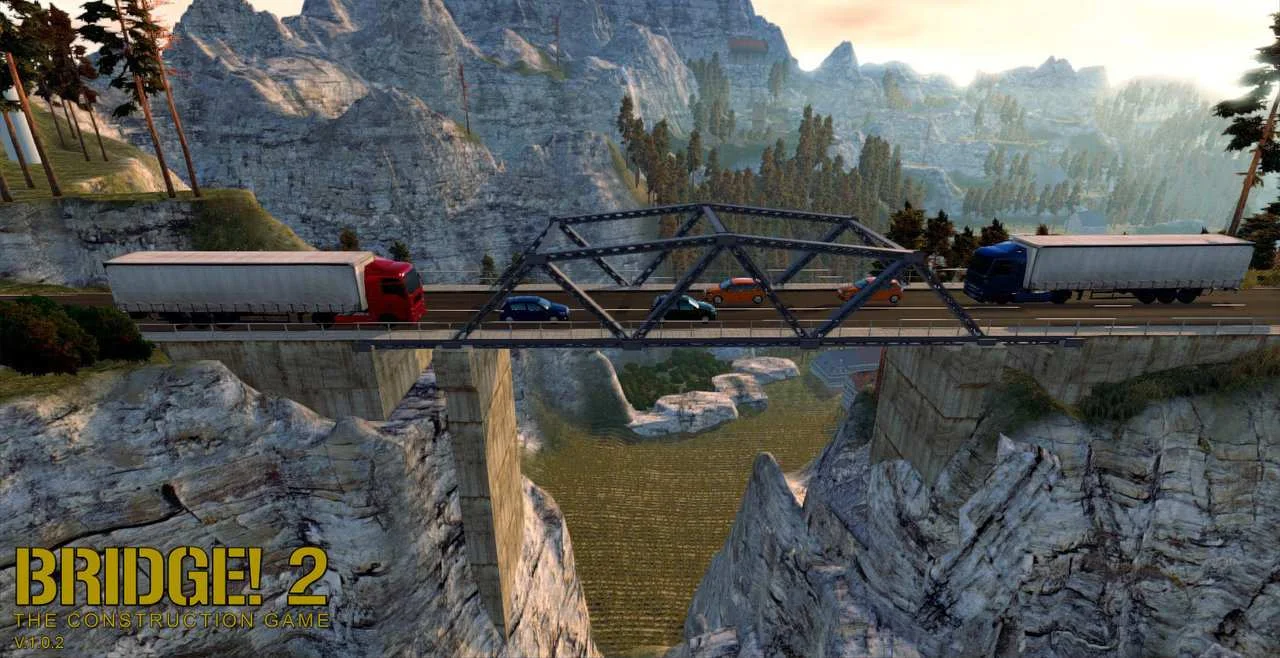

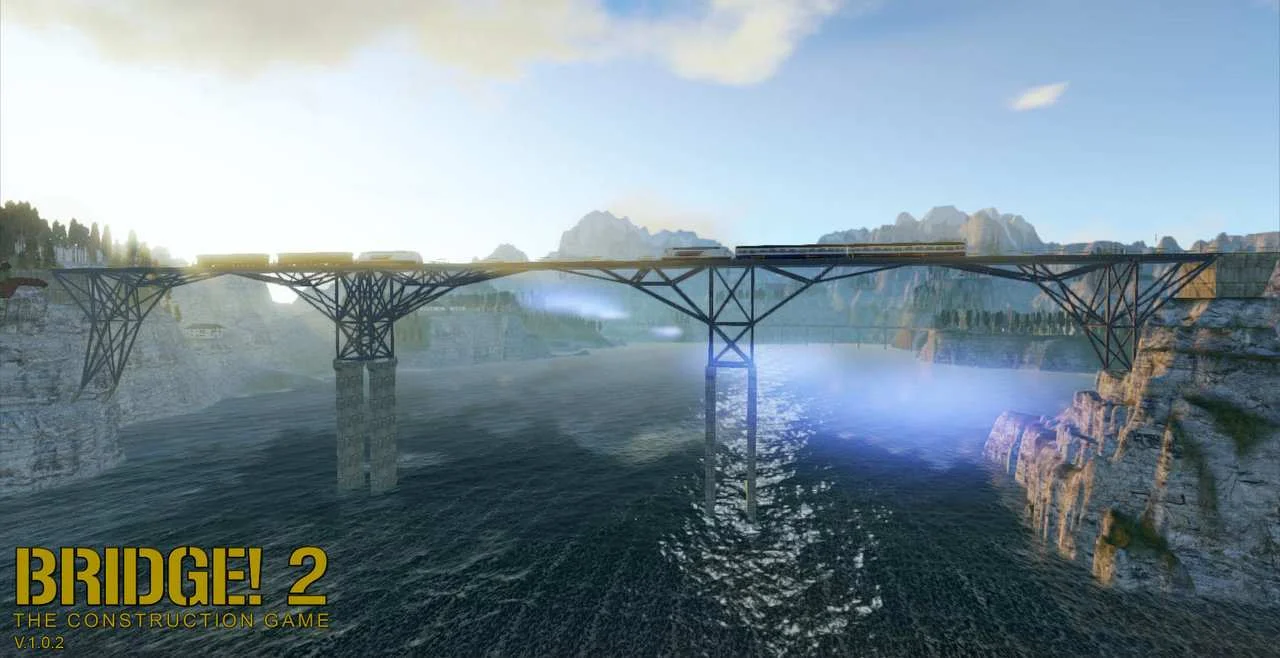

Trailer/Gameplay
Download
Bridge! 2 The Construction Game (2016), 0.46GB
ElAmigos release, unprotected game (serial or crack is not necessary).

Updated to version 1.0.3 32/64bit (26.09.2016). Change language in game options.

1. Extract files.
2. Burn or mount the image.
3. Install the game.
4. Play the game. If you like this game, BUY IT!
Bridge! 2 The Construction Game Download
🔒 Premium access required
To see and use the download links, you must be logged in and have an active PREMIUM account.
* Unlock downloads via Torrent and TeraBox.
Torrent Download
The best torrent download speeds are with qBittorrent!