SimplePlanes
Edit date: 9-02-2026, 17:51
Reason: Updated to version 1.12.209 (10.12.2025).

- Category:
- Release date:
- Game Genre:Simulation, tanks, planes, Mechs and robots, ships, machines and equipment, indie games
- Developer:
- Release:ElAmigos
- Platform:PC
- Languages (subtitles):English
- Dubbing/Audio:English
- Crack:not necessary
- Game size:0.24GB
Game Description
SimplePlanes on PC is a flight sandbox and aircraft-building simulator from Jundroo, LLC. It combines a flexible 3D designer with a physics model that turns every design choice into a test flight, while the current storefront lineup keeps the original game separate from SimplePlanes 2 and the dedicated SimplePlanes VR edition.
Build, test, and fly your own aircraft
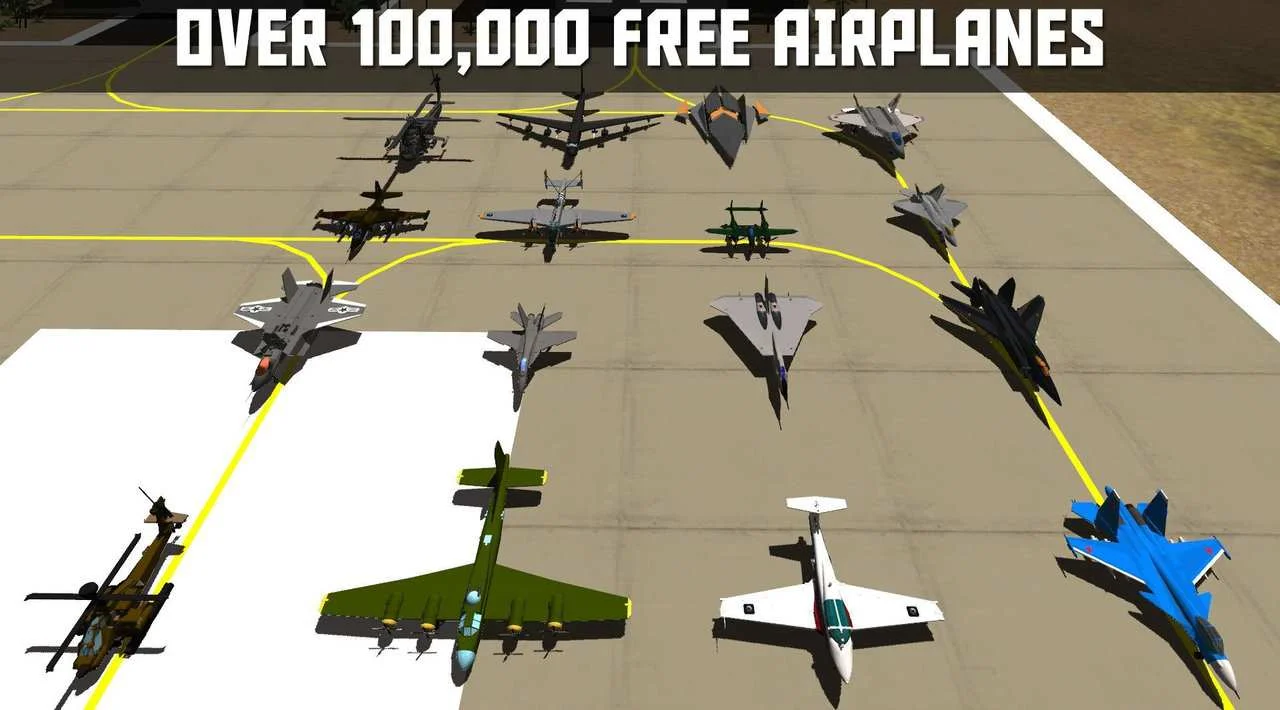
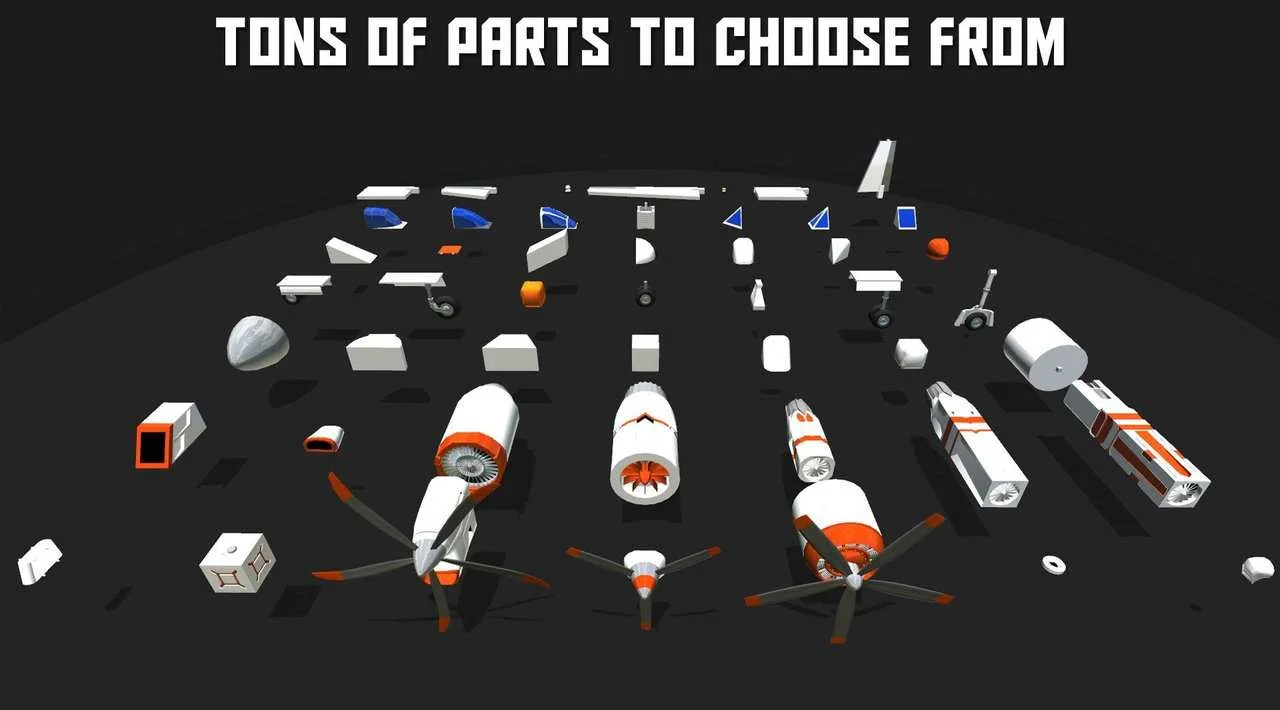
The central loop is straightforward: assemble a machine, launch it, discover what works, then return to the designer and improve the weak points. Parts snap together to form the fuselage, engines provide thrust, and custom wing sections determine how the aircraft handles. You can move from a rough beginner jet to a detailed replica, experimental spacecraft, flying car, or deliberately unstable machine without leaving the same editor.
The game is more than a visual construction toy. Weight distribution, thrust, lift, and drag are calculated during flight, so a beautiful aircraft can still be difficult to control. A poorly balanced fuselage may pitch unexpectedly, while insufficient wing area or excessive weight can make takeoff impossible. That connection between design and handling gives the sandbox its long-term appeal.
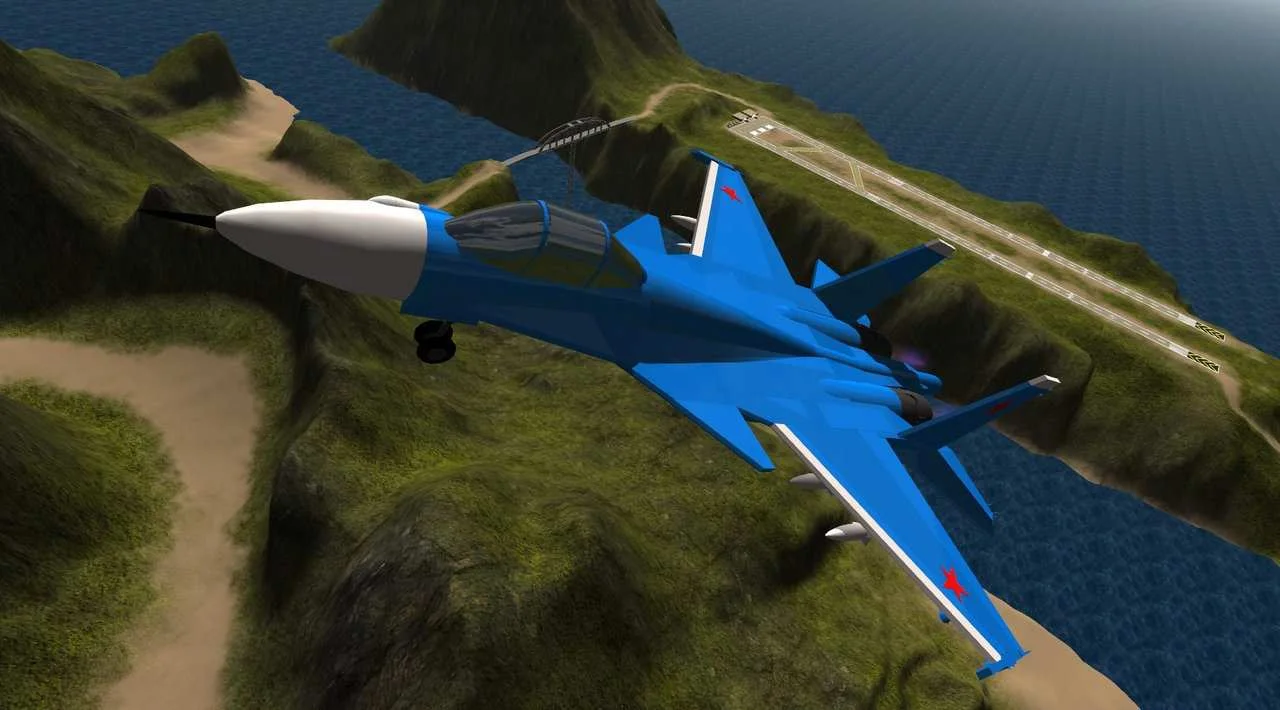
Once a craft is ready, you can pilot it from the cockpit and evaluate the result in real time. The flight model also supports destructible parts, allowing wings, engines, and other components to fail after hard impacts or excessive stress. Recovering an aircraft with a damaged wing is often as interesting as completing a clean landing.
Challenges, sandbox freedom, and community aircraft
Players who want structure can move from free construction into a collection of flight challenges. These scenarios include carrier landings, bomber escort missions, surface-to-air missile evasion, and aircraft racing. The challenges give purpose to the designer because they expose weaknesses that may not appear during relaxed sandbox flying.
Sandbox mode removes the usual restrictions and lets you use the available parts without committing to a campaign progression system. There is no traditional character build or economy to manage. Progress comes from learning how aircraft behave, refining your designs, completing challenges, and sharing better creations.
Building is optional. The PC version connects to the SimplePlanes community catalog, where players can download a large library of user-made aircraft. That makes the game accessible to pilots who would rather fly immediately, while experienced builders can upload designs, receive community ratings, and work toward higher creator rankings.
Its construction-focused physics make it a natural companion to spacecraft-building sandboxes such as Kerbal Space Program, although SimplePlanes stays focused on atmospheric flight rather than orbital missions.
Modding and the PC ecosystem
PC is the strongest platform for players who want to extend the game beyond its included parts and environments. Steam Workshop support provides a convenient way to find community content, while the official modding tools support custom parts and environments. The mod system is especially useful for players who treat SimplePlanes as an engineering playground rather than a fixed set of missions.
The Steam edition also includes Steam Cloud, achievements, Family Sharing, and single-player support. The store categorizes it with flight, physics, building, exploration, racing, military, controller, and moddable tags, which accurately reflects how broad the sandbox can become. It is not limited to conventional civilian aviation.
SimplePlanes is distributed on PC through Steam, GOG, and the Humble Store. The storefront version remains a paid standalone game, while community aircraft, Workshop content, and the main modding ecosystem expand the available content without turning the base experience into a live-service progression system.
SimplePlanes, SimplePlanes 2, and SimplePlanes VR
There is no verified rebrand of the original PC game. The current name remains SimplePlanes. SimplePlanes 2 is presented as a separate sequel, not a renamed edition of the original, and SimplePlanes VR is a separate virtual-reality product rather than a replacement for the aircraft designer.
The distinction matters when comparing storefront pages. The original SimplePlanes includes aircraft construction, while SimplePlanes VR is designed primarily for piloting downloaded creations and does not include the same aircraft-building workflow. Players looking for the full design-and-test loop should choose the standard PC game.
SimplePlanes 2 also has its own feature set and multiplayer direction. That does not change the role of the original game, which remains the more established choice for its aircraft editor, community catalog, challenges, and existing mod library.
Who should play it?
SimplePlanes is a strong fit for players who enjoy creative engineering, iterative testing, and physics-driven experimentation. It rewards curiosity more than precision memorization. You can spend an evening tuning a fighter's control surfaces, recreating a historical aircraft, downloading unusual community designs, or trying to make a functional vehicle from parts that were never intended to work together.
It is less suitable for players who want a traditional career campaign, a large persistent online world, or a high-fidelity real-world aviation study simulator. The game offers challenges and realistic physical relationships, but its main attraction is experimentation. The catalog of user creations is part of the experience, not an optional extra.
Players seeking a globe-spanning aviation environment rather than aircraft construction may prefer world-scale civilian flight simulation in Microsoft Flight Simulator. SimplePlanes is more compact and hands-on: you design the aircraft first, then discover what that design can actually do.
Controls, languages, and multiplayer reality
The PC version supports keyboard and mouse play, and Steam lists controller support for the game. Its input model is built around aircraft controls such as pitch, roll, yaw, throttle, brakes, landing gear, cameras, and activation groups. A controller can make basic flight more approachable, while the designer still benefits from the precision of a mouse and keyboard.
Steam lists English interface support without full audio or subtitle localization. This is worth checking before purchase if localized menus are important to you. The game is also primarily a single-player experience on its current PC storefront page.
Community modifications have historically provided multiplayer functionality, but that should not be confused with official built-in co-op. Players buying SimplePlanes for online sessions should treat multiplayer as a mod-dependent feature and verify compatibility with the current game version and server setup.
SimplePlanes FAQ
Is SimplePlanes still called SimplePlanes on PC?
Yes. The original PC game is still listed as SimplePlanes. SimplePlanes 2 is a separate sequel, while SimplePlanes VR is a separate VR-focused product.
Can you build aircraft in SimplePlanes?
Yes. The aircraft designer lets you snap parts together, shape wing sections, attach engines, configure controls, and test the result through the game's physics simulation.
Does SimplePlanes have a sandbox mode?
Yes. Sandbox mode provides unrestricted aircraft construction with the available parts, allowing you to experiment without following a campaign or economic progression system.
Are there missions or structured challenges?
Yes. The challenge selection includes activities such as carrier landings, bomber escort, missile evasion, and racing. These scenarios test whether your aircraft design works under specific flight demands.
Does the PC version support mods?
Yes. SimplePlanes supports custom parts and environments, and the Steam edition includes Workshop integration for community content. Mod support is one of the main reasons the PC version has a broader ecosystem than a basic flight sandbox.
Does SimplePlanes include official multiplayer?
The current Steam listing identifies the game as single-player. Multiplayer has been available through community modifications, but it is not the same as an official built-in multiplayer mode with guaranteed ongoing support.
Is SimplePlanes VR included with the PC game?
SimplePlanes VR is sold as a separate product. The standard game is the version to choose if aircraft construction is your priority, while the VR edition focuses on piloting compatible downloaded creations.
System Requirements
Minimum: |
Processor: Core 2 Duo Graphics: 512 MB VRAM Memory: 2 GB RAM Disk space: 300 MB HDD Operating system: Windows 7 |
Screenshots
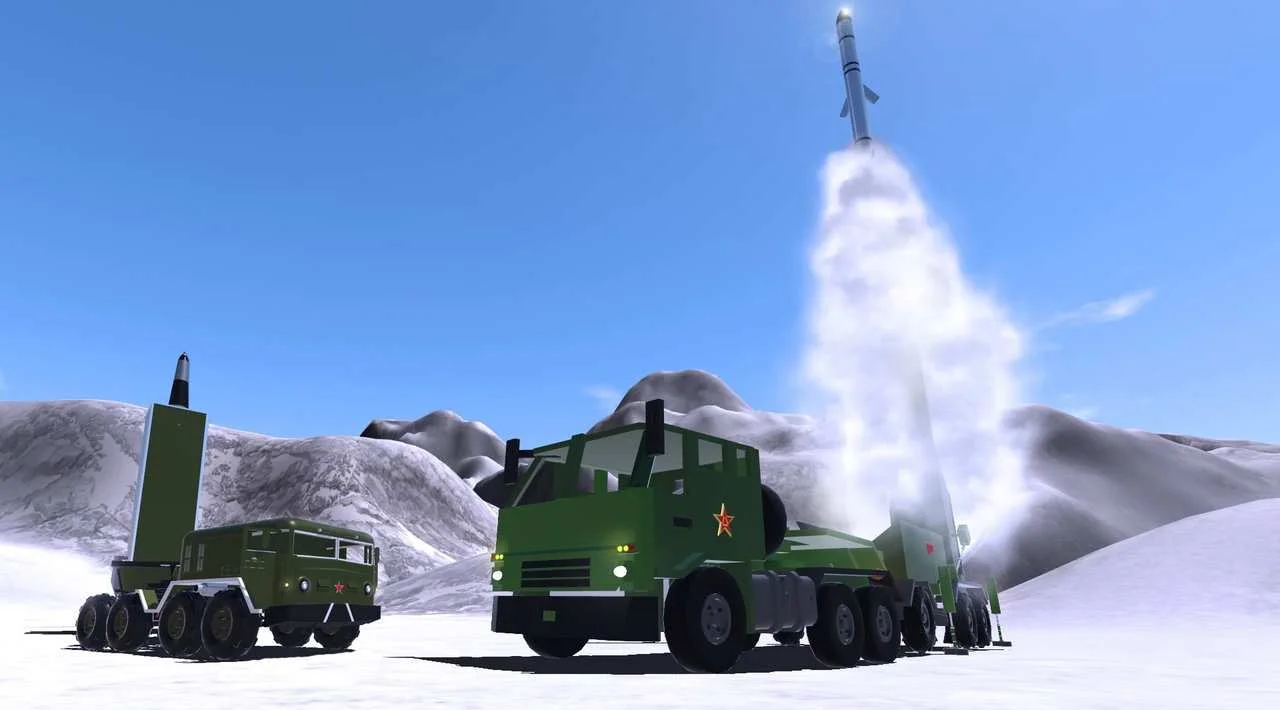
Trailer/Gameplay
Download
SimplePlanes (2015), 0.24GB
ElAmigos release, unprotected game (crack is not necessary).

Updated to version 1.12.209 (10.12.2025).

1. Extract files.
2. Burn or mount the image.
3. Install the game.
4. Play the game. If you like this game, BUY IT!
SimplePlanes Download
🔒 Premium access required
To see and use the download links, you must be logged in and have an active PREMIUM account.
* Unlock downloads via Torrent and TeraBox.
Torrent Download
The best torrent download speeds are with qBittorrent!