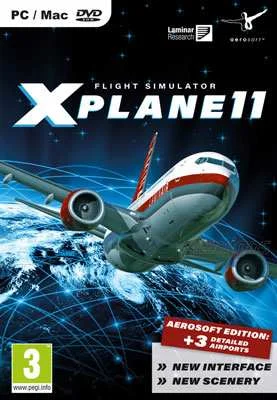
X-Plane 11
Edit date: 6-12-2023, 12:30
Reason: Updated to version 11.55r2 (30.06.2021)
- Category:
- Release date:
- Game Genre:Simulation, planes, helicopters
- Developer:
- Release:ElAmigos
- Platform:PC
- Languages (subtitles):English, French, Italian, German, Spanish, Russian, Portuguese, Japanese, Simplified Chinese
- Dubbing/Audio:English
- Crack:Codex/Rune
- Game size:53.77GB
Game Description
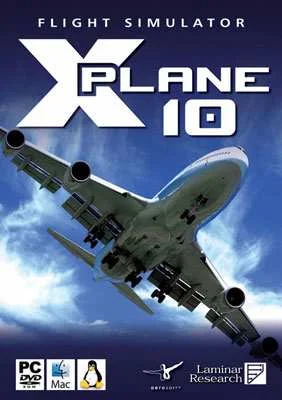
X-Plane 11 PC is a realistic flight simulation sandbox from Laminar Research, built around detailed aircraft handling, interactive cockpits, worldwide scenery, and flexible self-directed flying. The current storefront identity remains X-Plane 11; it has not been renamed to X-Plane 12 or rebranded as a classic or definitive edition. Laminar Research still lists X-Plane 11 separately from X-Plane 12, making the version distinction important for buyers comparing simulator editions.
A flight simulator built around aircraft handling
X-Plane 11 is best understood as a technical flight simulator rather than a traditional game with a campaign, scripted storyline, or fixed mission sequence. You choose an aircraft, location, weather setup, time of day, and flight conditions, then create your own objectives. A typical session may involve a short general-aviation hop, an instrument approach, airline operations, helicopter work, carrier landings, or simply exploring the global scenery.
The defining system is its physics-based flight model. Aircraft respond to control inputs, trim, power changes, stalls, wind, turbulence, and configuration changes in ways intended to reflect real aircraft behavior. The simulator includes fixed-wing aircraft, helicopters, gliders, military aircraft, and unusual vehicles, so handling varies substantially between a Cessna-style trainer, a jet airliner, and a rotary-wing aircraft.
The main viewpoint is a detailed first-person cockpit view, with interactive switches, instruments, avionics, throttles, trim controls, and flight displays. External camera views are also available for observing the aircraft, checking approaches, or reviewing a replay. Cockpit interaction is mouse-driven on desktop, while dedicated hardware provides the precision expected from a serious simulator.
Aircraft, navigation, and realistic procedures
X-Plane 11 rewards players who enjoy learning how aircraft systems work. The default installation includes more than 15 aircraft covering different eras and roles, including general-aviation planes, airliners, helicopters, military aircraft, and experimental vehicles. Aircraft are designed with 3D cockpits and usable avionics rather than functioning as interchangeable skins with identical handling.
Flights can be planned around visual navigation or instrument flight procedures. You can tune radios, configure autopilots, manage flaps and landing gear, follow navigation aids, and practice approaches in changing weather. Airports are more than static runways: the simulator includes animated service equipment, AI aircraft, pushback activity, roads, buildings, and regional scenery that help create a living operating environment.
There is no conventional character progression or unlock tree. The long-term loop is pilot mastery: learning aircraft systems, improving landings, managing emergencies, refining navigation, and building increasingly complex scenarios. That structure makes X-Plane 11 a strong fit for players who create their own challenges but a weaker choice for anyone expecting a structured career campaign.
Worldwide scenery and an expandable ecosystem
The simulator covers a broad representation of the Earth with thousands of airports, airfields, helipads, carrier decks, offshore platforms, and other landing locations. On the Steam edition, the global scenery regions are available as separate downloads rather than being automatically installed with the core application. This distinction matters when evaluating what is included in the initial installation and what must be added through the platform.
X-Plane 11 also supports a large third-party add-on ecosystem. Players can add aircraft, custom scenery, airport environments, and plugins. The included Plane Maker tool allows users to create aircraft, while development tools support custom scenery and functional extensions. Freeware and paid add-ons can significantly change the simulator, but they are optional rather than part of a conventional season-pass model.
Compared with arcade-focused aviation games, X-Plane 11 is closer to a sandbox for procedures, systems, and experimentation. Players who prefer structured missions and accessible combat may find the open-ended format slow. Those who enjoy configuring a flight and repeating it until the approach is correct will find considerably more depth.
VR, multiplayer, and replay tools
Native virtual reality is one of the major PC features. X-Plane 11 supports SteamVR-based headsets, tracked controllers, and interactive cockpit manipulation. The default aircraft are designed with VR use in mind, and players can operate yokes, switches, menus, and instruments through motion controls or combine VR with traditional joysticks and other USB hardware.
The simulator also includes networked multiplayer, but its structure is more limited and technical than modern matchmaking-based games. Built-in multiplayer is designed for computers on the same local network, allowing players to fly in formation, race, dogfight, or share the same simulated environment. It is not a persistent online airline world, and the official manual describes support for up to 19 other participants in this networked mode.
For training and analysis, X-Plane 11 provides flight replay, saved situations, screenshots, flight-path visualization, and flight-data-recorder support. Replays preserve aircraft movement so you can change camera angles, rewind, fast-forward, and inspect a landing from outside the cockpit. These tools make the simulator useful for reviewing technique rather than merely completing a session.
PC controls, graphics APIs, and storefront details
X-Plane 11 works with keyboard and mouse, but its strongest control options are dedicated joysticks, yokes, throttles, and rudder pedals. Control profiles can be saved for different hardware or aircraft, and individual axes and buttons can be mapped to simulator functions. A mouse can be used to fly, although Laminar Research presents that as a fallback rather than the preferred method for realistic control.
The simulator includes support for Vulkan on Windows and Linux and Metal on Mac through the 11.50 rendering update, while OpenGL remains available as an alternative. This is a rendering-path feature, not a separate edition. It is also worth checking add-on compatibility because older plugins and aircraft may not behave identically across rendering modes.
The Steam edition is distributed through the Steam client and requires agreement to a third-party EULA. The current Steam listing identifies single-player, shared or split-screen PvP, tracked controller support, VR support, and a level editor. It does not advertise a separate anti-cheat system. Interface localization includes English, French, Italian, German, Spanish, Portuguese, and Russian, while English is listed for full audio and subtitle support.
Who should play X-Plane 11?
X-Plane 11 suits PC players who want realistic aircraft behavior, procedural flying, VR cockpit interaction, hardware customization, and an open-ended simulator that can grow through add-ons. It is particularly appealing to aviation enthusiasts, real-world pilots looking for practice, builders interested in Plane Maker, and players who prefer mastering systems over chasing rewards.
It is less suitable for players seeking a story campaign, frequent scripted objectives, arcade dogfights, or instant access to a simple controller-first experience. The learning curve comes from aircraft operation and navigation rather than enemy difficulty. Even basic flights become more involving once weather, fuel planning, autopilot use, radio work, and approach procedures enter the picture.
Comparable flight games on PC
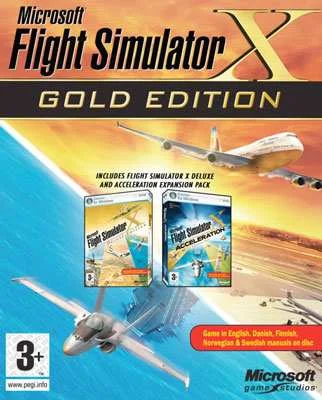
Players who want a more mission-driven and legacy-focused simulator can compare X-Plane 11 with classic civilian flight simulation in Microsoft Flight Simulator X: Steam Edition, which places more emphasis on missions and established aviation scenarios. It is a useful contrast because X-Plane 11 leans harder into aircraft handling, sandbox setup, and add-on flexibility.
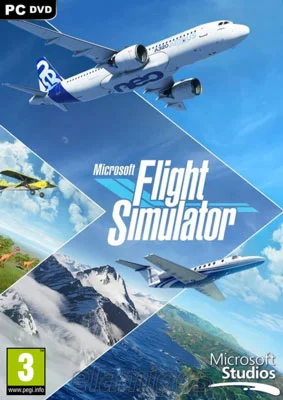
For a newer world-exploration alternative, large-scale civilian aviation in Microsoft Flight Simulator 2020 Deluxe Edition offers a different approach to global scenery and accessibility. The comparison is not about one universal winner: X-Plane 11 is strongest when the player values flight dynamics, cockpit procedures, and a mature desktop-simulation ecosystem.
X-Plane 11 FAQ
Is X-Plane 11 still the official name?
Yes. Current storefront and publisher listings continue to identify the simulator as X-Plane 11. It remains a separate product from X-Plane 12 rather than a renamed legacy edition.
Is X-Plane 11 a campaign game?
No. It is an open-ended flight simulator built around free flight, aircraft practice, navigation, procedures, saved situations, and player-created scenarios. Its progression comes from learning aircraft and improving technique rather than unlocking a story campaign.
Does X-Plane 11 support VR?
Yes. X-Plane 11 has native VR support through SteamVR-compatible headsets and supports tracked controller interaction. Traditional flight controls can also be used alongside VR.
Can you play multiplayer in X-Plane 11?
Yes, but the built-in multiplayer mode is network-based rather than a modern public matchmaking service. Players can connect computers on the same network for formation flying, races, dogfights, and shared flight sessions.
Does X-Plane 11 support flight sticks and rudder pedals?
Yes. The simulator supports USB joysticks, yokes, throttles, rudder pedals, and other compatible flight-control hardware. Keyboard and mouse control is possible, but dedicated hardware gives much finer control during takeoff, landing, and helicopter flight.
What does the base version include?
The base simulator includes the core aircraft, flight model, airports, global scenery framework, cockpit systems, replay tools, networking, and development features. Additional aircraft, scenery, and plugins are available separately through the wider freeware and commercial add-on ecosystem rather than through a single mandatory season pass.
System Requirements
Minimum: | Recomended: |
| Processor: Intel Core i3 3.0 GHz Graphics: 512 MB GeForce 8800 GT/Radeon HD 4830 Memory: 8 GB RAM Disk space: 54 GB HDD Operating system: Windows 7/8/10 64-bit | Processor: Intel Core i5-6600K 3.5 GHz Graphics: 4 GB GeForce GTX 970/Radeon R9 290X Memory: 16 GB RAM Disk space: 54 GB HDD Operating system: Windows 7/8/10 64-bit |
Screenshots


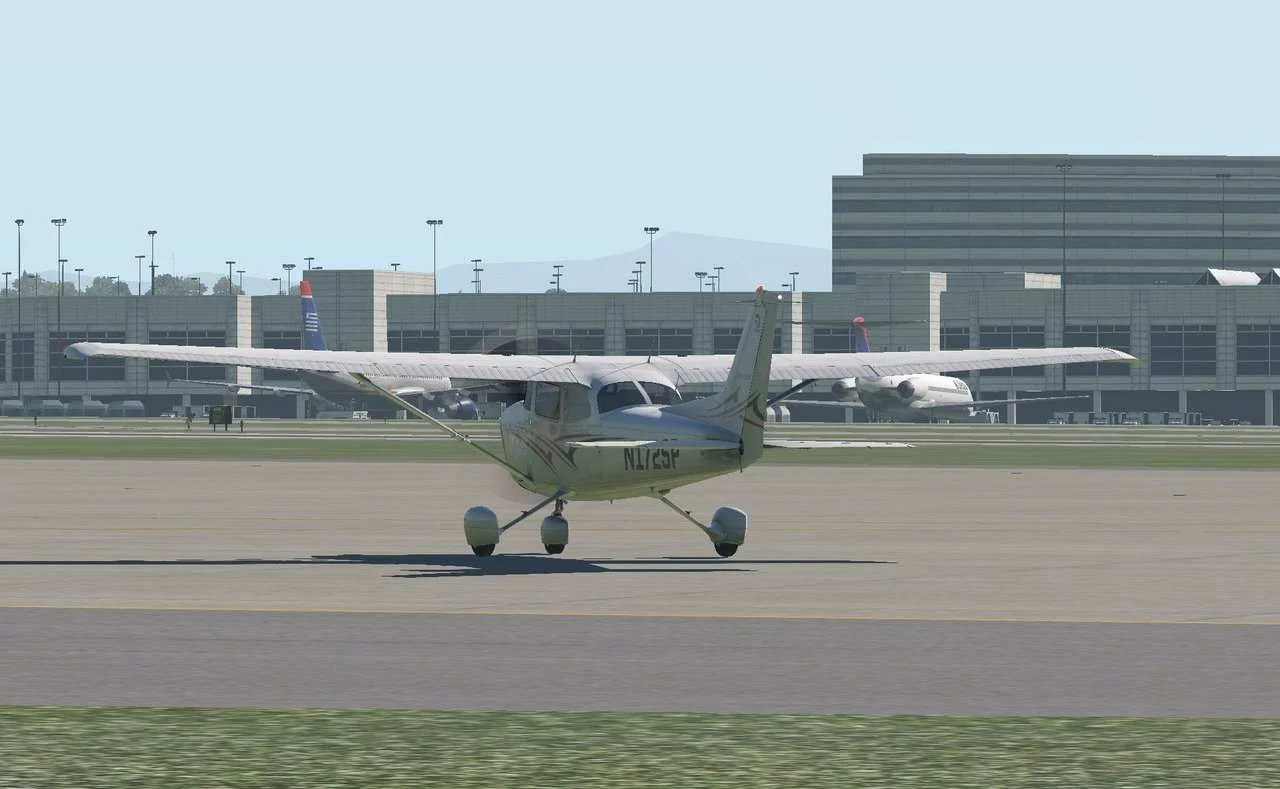
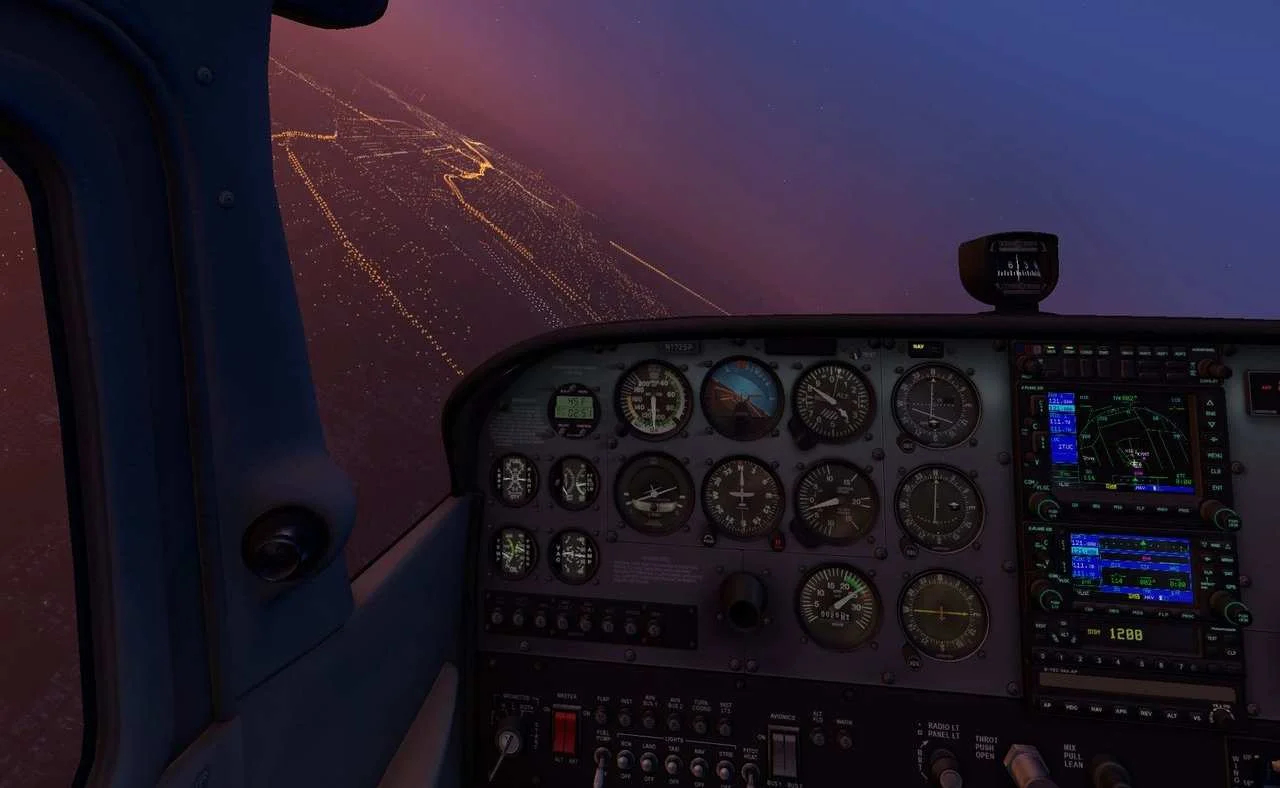
Trailer/Gameplay
Download
X-Plane 11 (2017), 53.77GB
ElAmigos release, game is already cracked after installation (crack by Codex/Rune).

Updated to version 11.55r2 (30.06.2021).

1. Extract files.
2. Burn or mount the image.
3. Install the game.
4. ElAmigos release, game is already cracked after installation.
5. Play the game. If you like this game, BUY IT!
X-Plane 11 Download
🔒 Premium access required
To see and use the download links, you must be logged in and have an active PREMIUM account.
* Unlock downloads via Torrent and TeraBox.
DLC: Global Scenery Africa, Asia, Australia, Europe, North America, South America.
Torrent Download
The best torrent download speeds are with qBittorrent!