PC Building Simulator
Edit date: 13-01-2023, 15:14
Reason: Updated to version 1.15.3 H1 (11.01.2023)
- Category:
- Release date:
- Game Genre:Simulation, FPP, Economic, machines and equipment
- Developer:Claudiu Publisher: The Irregular Corporation
- Release:ElAmigos
- Platform:PC
- Languages (subtitles):English, French, German, Spanish, Polish, Russian, Portuguese-Brazil, Japanese, Korean, Chinese Simplified
- Crack:Codex
- Game size:5.33GB
Game Description
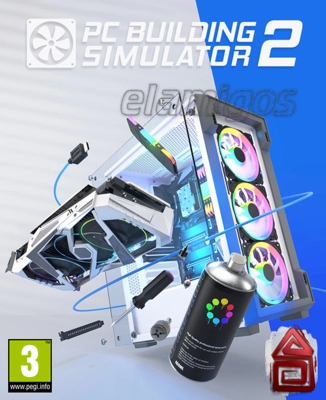
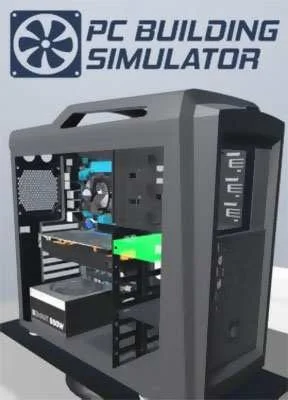
PC Building Simulator is a PC-first hardware simulation and business-management game about diagnosing, repairing, upgrading, and assembling computers. The current storefront name remains PC Building Simulator; PC Building Simulator 2 is a separate sequel rather than a rebrand or replacement edition. The original game is developed by Claudiu Kiss and The Irregular Corporation, with The Irregular Corporation listed as publisher.
Its appeal comes from turning familiar PC hardware tasks into a structured workshop loop. You accept customer jobs, identify the required work, order suitable components, complete the installation, test the machine, and manage the money left after expenses.
Run a PC repair business
The main Career Mode starts with a modest workshop and a steady stream of customer requests. Jobs range from removing malware and replacing faulty parts to performing upgrades and building complete systems. Each task has practical requirements, so installing an attractive component is not enough if it fails to meet the customer's budget or performance target.
Money management gives the repair work its strategic layer. You must balance parts purchasing, customer expectations, workshop improvements, and profit margins. A successful build is therefore both a technical solution and a business decision.
Career progression also introduces hardware and software concepts gradually. The game explains what individual components do and uses guided jobs to teach the order in which a computer should be assembled, making it approachable for players who are interested in PC building but have limited hands-on experience.
Build, diagnose, and test real-world hardware
PC Building Simulator uses accurately modeled, licensed components from real hardware brands. The parts marketplace includes recognizable manufacturers such as Intel, AMD, NVIDIA, ASUS, NZXT, Corsair, MSI, EVGA, Razer, AORUS, Fractal Design, and Overclockers UK.
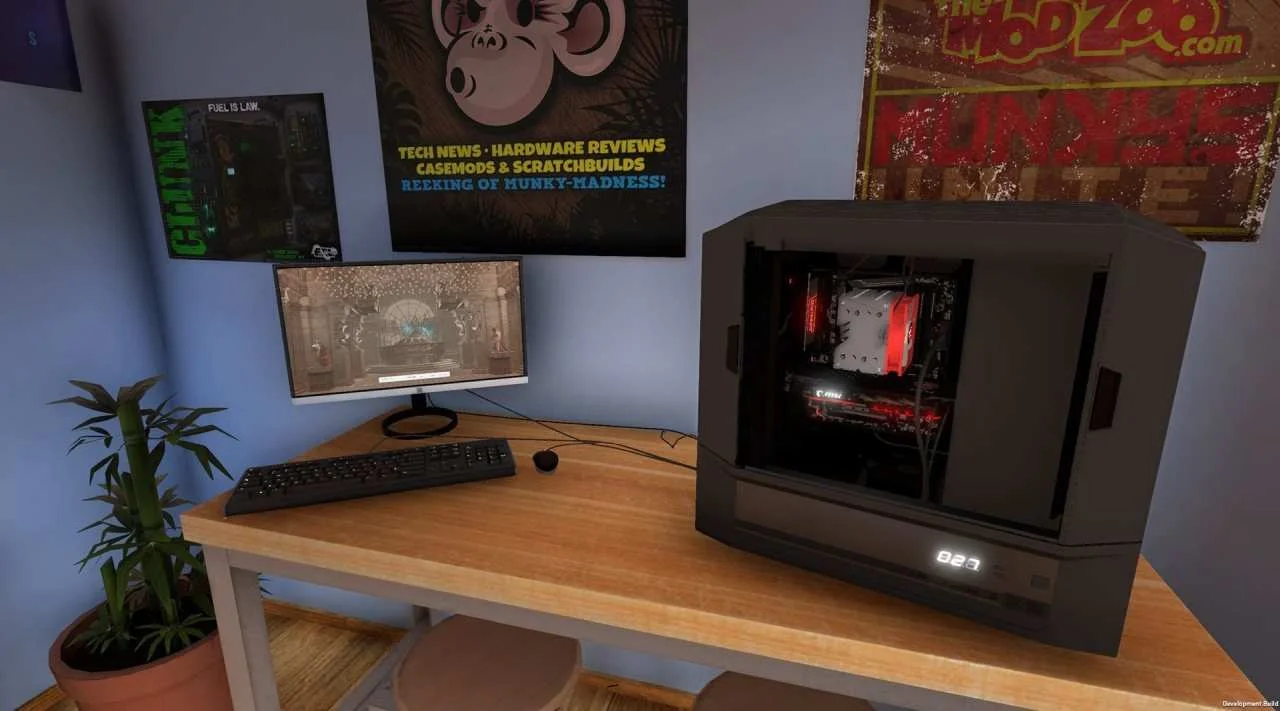
The assembly process covers the major stages of a desktop build: choosing a case, installing the motherboard and processor, fitting memory and storage, mounting graphics hardware, connecting power, and arranging cooling. Compatibility and job instructions matter, so the game rewards careful reading rather than random component placement.
Cooling is one of the more detailed customization areas. You can use air cooling, closed-loop water cooling, or configure custom water-cooling loops. LED lighting and cable colors add visual customization, while the BIOS provides access to overclocking for players who want to push a system beyond its standard configuration.
Once a build is complete, you can power it on and evaluate its performance with the integrated 3DMark benchmarking workflow. That creates a useful feedback loop: select parts, assemble the system, test the result, and revise the build if the numbers or customer requirements are not satisfactory.
Career, Free Build, and IT Expansion
Free Build Mode removes the normal career pressure and gives you a space to experiment with the available hardware. It is the right choice for testing unusual combinations, planning a dream machine, exploring cases and cooling layouts, or learning how the assembly process works without worrying about a customer deadline.
The free build sandbox is especially useful for players who want the creative side of PC building. You can focus on visual themes, lighting, cable presentation, cooling design, or benchmark targets without having to earn every decision through the business campaign.
The game also includes the IT Expansion as free additional story content. Instead of focusing only on a small independent repair shop, this mode places you in an IT-support setting connected to Irratech Corp. It adds new work situations and a different context for applying the same diagnostic and repair skills.
The separate Esports Expansion adds another paid content path built around esports-related work. Other paid add-ons focus on branded workshops and extra customization themes, including workshop packs associated with NZXT, Republic of Gamers, Fractal Design, AORUS, EVGA, Overclockers UK, and Razer.
Who should play PC Building Simulator?
This is a strong fit for players who enjoy technical problem solving, management games, realistic equipment, and methodical progression. It is also useful for newcomers who want an interactive introduction to desktop components without immediately committing to a real-world build.
The game suits people who like completing checklists and improving a process. Each job has a clear objective, but the satisfaction comes from diagnosing the problem correctly, selecting compatible parts, installing them in the right order, and seeing the finished system boot successfully.
Players looking for combat, exploration, competitive multiplayer, or a character-driven campaign should look elsewhere. PC Building Simulator is deliberately focused on solo workshop work, financial progression, hardware decisions, and repeatable mastery rather than action or social play.
For a related hands-on business simulation, players who enjoy restoring spaces, completing practical jobs, and selling improvements for profit may also appreciate first-person renovation simulations like House Flipper. The subjects differ, but both games turn detailed physical tasks into a calm economic progression loop.
PC features and storefront details
On PC, the game is presented as a single-player simulation with Steam achievements, Steam Cloud, Steam Workshop support, trading cards, Family Sharing, and Remote Play features listed on the Steam storefront. Epic Games Store also lists the game with achievements and cloud saves.
The storefront language listings include English, French, German, Japanese, Brazilian Portuguese, Russian, Simplified Chinese, Spanish from Spain, Korean, and Polish text interfaces. Full spoken localization is not the focus; the experience is primarily text-led through job descriptions, menus, emails, and component information.
There is no verified official rebrand to a legacy or definitive edition. The original remains listed as PC Building Simulator, while PC Building Simulator 2 is a distinct product developed by Spiral House and published by Epic Games.
The commercial model is a paid base game supported by optional add-ons. The free IT Expansion and free Good Company Case content are separate from paid workshop packs, the Esports Expansion, Overclocked Edition Content, and the soundtrack add-on. The base game therefore provides the central career, free-build, and instructional experience without requiring every branded pack.
PC Building Simulator FAQ
Is PC Building Simulator still called PC Building Simulator?
Yes. The current Steam and Epic Games Store listings use the name PC Building Simulator. PC Building Simulator 2 is a separate sequel, not a renamed version of the original.
Does PC Building Simulator include a career mode?
Yes. Career Mode lets you operate a computer repair business, complete customer jobs, buy parts, diagnose problems, build systems, and manage workshop finances.
Does PC Building Simulator have a free-build mode?
Yes. Free Build Mode allows you to experiment with the available licensed components without following the normal customer-job progression. It is designed for testing builds, customization, cooling layouts, and benchmark results.
Is the IT Expansion included with the base game?
Yes. The IT Expansion is included as free additional story content. It moves the focus toward IT support for Irratech Corp while using the game's existing diagnostic, repair, and PC assembly systems.
Does PC Building Simulator support multiplayer or co-op?
No multiplayer or co-op mode is listed as part of the game's official PC feature set. The core experience is single-player, although Steam Remote Play features are available through the platform.
What hardware can you use in PC Building Simulator?
You can work with licensed parts from multiple real-world manufacturers, including processors, graphics cards, motherboards, memory, storage, cases, power supplies, air coolers, water-cooling equipment, and accessories. Brand availability varies by the base game and installed add-ons.
Does PC Building Simulator teach real PC assembly?
It provides step-by-step assembly guidance and explains the role of major components. It is a useful interactive introduction, but real hardware still requires careful handling, compatibility checks, and safe electrical practices outside the game.
System Requirements
Minimum: |
Processor: Intel Core i5-2500K 3.3 GHz / AMD Athlon X4 740 3.2 GHz Graphics: 2 GB GeForce GTX 660 / Radeon R9 285 Memory: 4 GB RAM Disk space: 7 GB HDD Operating system: Windows 7 |
Screenshots


Trailer/Gameplay
Download
PC Building Simulator Maxed Out Edition (2019), 5.33GB
ElAmigos release, game is already cracked after installation (crack by Codex).

Updated to version 1.15.3 H1 (11.01.2023).

1. Extract files.
2. Burn or mount the image.
3. Install the game.
4. ElAmigos release, game is already cracked after installation.
5. Play the game. If you like this game, BUY IT!
PC Building Simulator Maxed Out Edition Download
🔒 Premium access required
To see and use the download links, you must be logged in and have an active PREMIUM account.
* Unlock downloads via Torrent and TeraBox.
DLC: IT Expansion, Fractal Design Workshop, EVGA Workshop, AORUS Workshop, Esports Expansion, Overclockers UK Workshop, NZXT Workshop, Republic of Gamers Workshop, Razer Workshop, Deadstick Case, Good Company Case, Overclocked Edition Content, Soundtrack (mp3).
Torrent Download
The best torrent download speeds are with qBittorrent!